
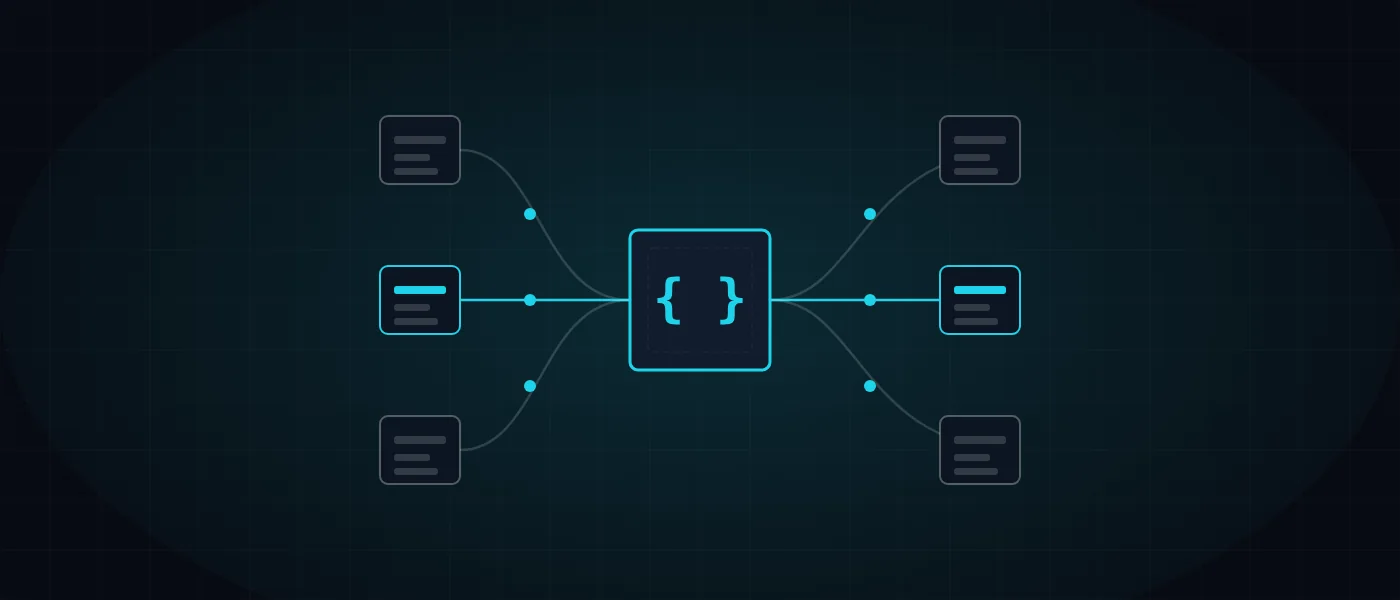
At what point in your business does someone copy numbers from one screen to another? A lead from the website that is entered by hand in the CRM, an order retyped into the invoicing software, working hours moved into a payroll sheet. Each of these is a missing link between systems, and each has a cost: time, mistakes and decisions taken on stale data.
This guide explains in plain words how systems are connected, which patterns work, what makes a connection reliable and secure, and when a ready-made tool is the better choice and when custom code is. At the end you will find a way to define an integration project before you approach a vendor.
What are system integrations and how do they work?
An integration is a mechanism that moves data from one system to another automatically, according to predefined rules. Instead of a person typing, one program sends and the other receives. There are four main ways to do it, and each has a different strength.
The choice depends on what the systems allow and how urgent the data is. An older system with no interface will usually connect through a file, while a modern cloud system will offer an API. The list below explains each one:
- An API is an interface through which one program makes a defined request of another, such as fetching orders or creating a customer, and receives an answer in a fixed structure.
- A webhook is a message a system sends on its own when an event happens, for example an order that was paid, so there is no need to keep asking whether something changed.
- Export and import files, such as CSV or Excel, moved by hand or on a schedule. It is a simple, old solution, and common in payroll and accounting software.
- Database synchronisation, where two systems read or write shared tables. It is fast but delicate, so it generally suits only systems that you control.
Which business flows should you connect first?
Start with flows where the same data is moved between people or screens, because that is where the saving and the accuracy gain are clearest. In Israeli businesses, integrations between systems revolve around the same axes again and again, and they are easy to spot by asking who retypes what.
Not every connection is worth the investment. Rate each axis by frequency, the price of a mistake and the number of people involved, and begin with one that hurts and is well defined. Such flows also serve as the base for wider automation, as set out in our business automation guide.
- A lead from a website form into the CRM, including an alert to the sales rep and an automatic reply to the customer by email or WhatsApp.
- An order in the store into the invoicing software, to produce an accounting document with no retyping.
- A payment at the payment gateway into the bookkeeping, with a match between transaction and invoice.
- Inventory between the store, the warehouse and the ERP system, so that stock that ran out is not sold.
- Attendance hours into payroll preparation, instead of a file moved by hand at the end of the month.
- The CRM into email marketing, so that list segments update according to what happens with the customer.
Direct connection or a central layer: which pattern to choose?
When planning integrations between systems there are two main approaches. A point-to-point connection links two systems directly. It is quick to build and suits cases with two or three systems. But every new system adds connections, the number grows fast, and eventually any change on one side breaks something on another.
A central layer, such as an intermediary server or a message queue, receives events from all systems and distributes them onward. Each system connects only once, and replacing a component is easier. This is part of the considerations laid out in our article on software architecture that grows with the business.
Two further decisions shape the result. The first is synchronous versus asynchronous: in a synchronous action the user waits for the answer, while in an asynchronous one the work is queued and done in the background, which suits cases where the other system is slow or unavailable. The second is polling versus webhooks, and usually a webhook saves requests and updates faster.
What makes an integration reliable? A checklist
The guiding rule is to assume that everything will fail at some point, and to make sure the failure is visible, reversible and safe. A connection that fails silently is worse than one that stops loudly, because by the time anyone notices there will be weeks of missing data.
A connection that works on demo day is not necessarily reliable. In the real world networks fail, systems return errors and fields arrive empty, and the challenge is to plan for those cases in advance. These are the things we check in every connection:
- Idempotency: if the same message arrives twice, the result is identical and there is no duplicate invoice.
- Retries with increasing delay, and an error queue that lets you handle failed messages without losing them.
- Logs and alerts: every transfer is recorded, and a repeating failure notifies the person in charge before a customer complains.
- Rate limits: respecting the other system’s quota so as not to get blocked.
- Versioning: a change in the vendor’s API should not bring down the connection without warning.
- Separated environments: testing against the vendor’s sandbox before connecting to live data.
- Data mapping and validation: an explicit definition of which field corresponds to which, and refusing a corrupt value rather than passing it on.
How do you secure a connection between systems?
An integration is another door to your data, so it needs a lock of its own. The guiding principle is least privilege: every connection receives access only to what it needs, and only for the actions it needs. A connection that merely reads working hours must not be able to edit salaries.
In practice this means a separate token for every connection, with a defined scope of permissions and an expiry that can be revoked. Secrets, such as keys and tokens, are kept in server configuration and not in code or shared documents, and traffic is always encrypted with HTTPS. On top of that, an audit trail records who read what and when.
It is also worth deciding in advance what happens when a token leaks or when an employee who held access leaves. A token that can be revoked and reissued without touching the other connections is the difference between a five-minute event and a week of investigation.
When a connection touches personal data of customers or employees, privacy policy and data minimisation also matter. What the other side does not need is not sent. Our own approach is described on the privacy page.
Build in code or use a ready-made connector?
No-code connectors such as Zapier and Make let you link common services within hours and without a developer. They suit simple flows at low volume, testing an idea before investing, and a team that wants to start at once. The drawback appears when volume grows, when the logic branches, or when you need full control over the data and where it is stored.
Custom code is preferable when an internal system has no ready connector, when complex processing is needed between steps, when volume is high or when the data is sensitive. It demands a larger initial investment but gives control over logs, performance and behaviour in failure. Anyone facing the broader choice between off-the-shelf software and bespoke development will find similar considerations in our article on moving from off-the-shelf products to custom development.
You need not choose one side only. It is common to start with a ready tool and replace it with code only in the connections that outgrew it. If you take this route, document in advance what each automation does, so that the replacement is simple.
A real example: the public API of Just-In
Just-In is a cloud attendance clock that we developed at Logicode, and one of the natural uses around it is moving working hours into payroll, a BI tool or an ERP system without a manual export every month. For that it exposes a public read-only API, in which a single endpoint, GET /api/v1/attendance, returns attendance data for a date range.
A typical request states a start date and an end date, and carries an authorisation header with the company token. The reply returns the attendance records, and a payroll or BI system can pull them on a schedule you choose, without anyone downloading a file and uploading it again.
Alongside the API, Just-In also offers export to Excel and to a format compatible with Michpal payroll software. The same system therefore combines two kinds of connection: files for software without an open interface, and an API for systems able to pull data on their own. The advantage of a read-only interface is that reading does not change the data, so the risk is far smaller than with write permission.
- Read-only: an outside system can pull data but cannot change it.
- A token per company: each company receives its own token, so there is no access to another company’s data.
- Defined permissions: a token has a permission scope and receives only what was defined for it.
- An audit trail: every call is recorded, so you can tell who called, when and why.
How do you scope an integration project properly?
A successful project of integrations between systems starts in writing, not in code. For each flow, write the source system, the target system, the direction of transfer, the event that triggers it, the fields moved, and what happens when it fails. When all of this is on one page, the proposal you receive will be clear and the gaps will surface before work begins.
Next, check which of the systems offer an API, how many requests are allowed per day, and what volume to expect. You can estimate the overall investment, including connection components, in the cost calculator, and the final price is set only after a specification call.
We build integrations as part of advanced systems and custom CRM development, and we embed them in AI-assisted systems as well, as explained in our article on AI-driven development and CRM. If you have systems to connect, contact us, and see how it looks in practice on the Just-In product page and in the Just-In attendance case study.
More articles worth reading
- Business Automation: What to Automate and How
- AI-Driven Development and Custom CRM vs Off-the-Shelf
- Custom Software or Off-the-Shelf? When to Switch