
Advanced Systems
We turn complex processes into smart, efficient systems. Custom CRM, portals, and Web Apps tailored to your business.
Technology That Stays Ahead
In an era requiring rapid tech solutions, custom system development gives a clear competitive advantage.
Our advantage? Full customization and scalability. Built with React, Node.js, and SQL.
View Projects
Flagship Product: BarkBoard
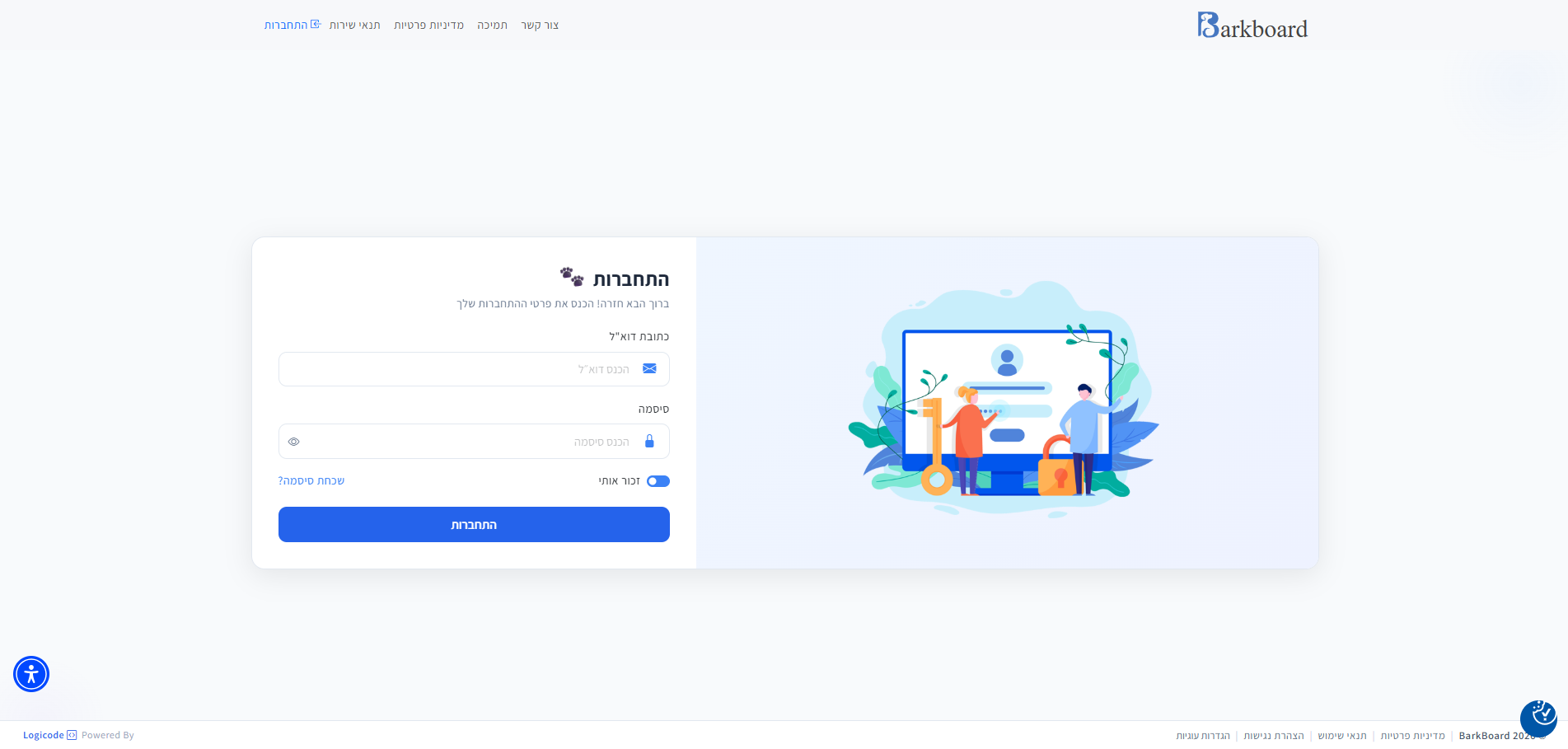
We developed BarkBoard – an advanced SaaS management system for dog boarding facilities.
- Smart booking management and online calendars.
- Client portfolios and dog medical histories.
- Analytical dashboard for data-driven decisions.
Smart Time Clock: Just-In
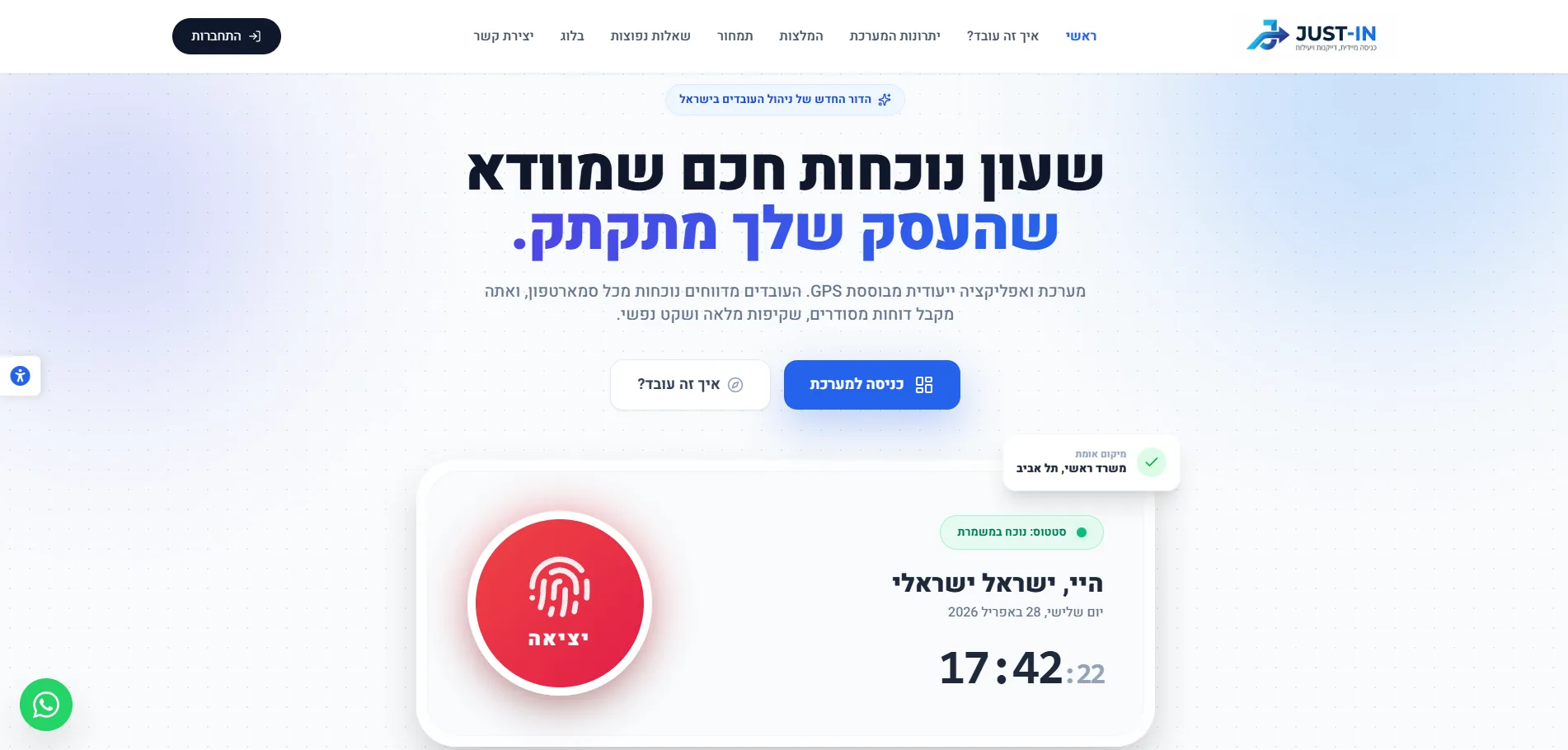
Just-In is a cloud (SaaS) time and attendance system we built from scratch: employees clock in from their phones with GPS verification, and managers get accurate timesheets, scheduling, smart alerts and an AI assistant, from a small cafe to a chain with dozens of work sites.
- Mobile clock-in with GPS verification, fake-GPS detection and selfie verification.
- Automatic timesheets, overtime calculation and Excel / payroll exports.
- Shifts and departments, multi-site support, a daily email summary and a public API.
SaaS Platform: DBCard
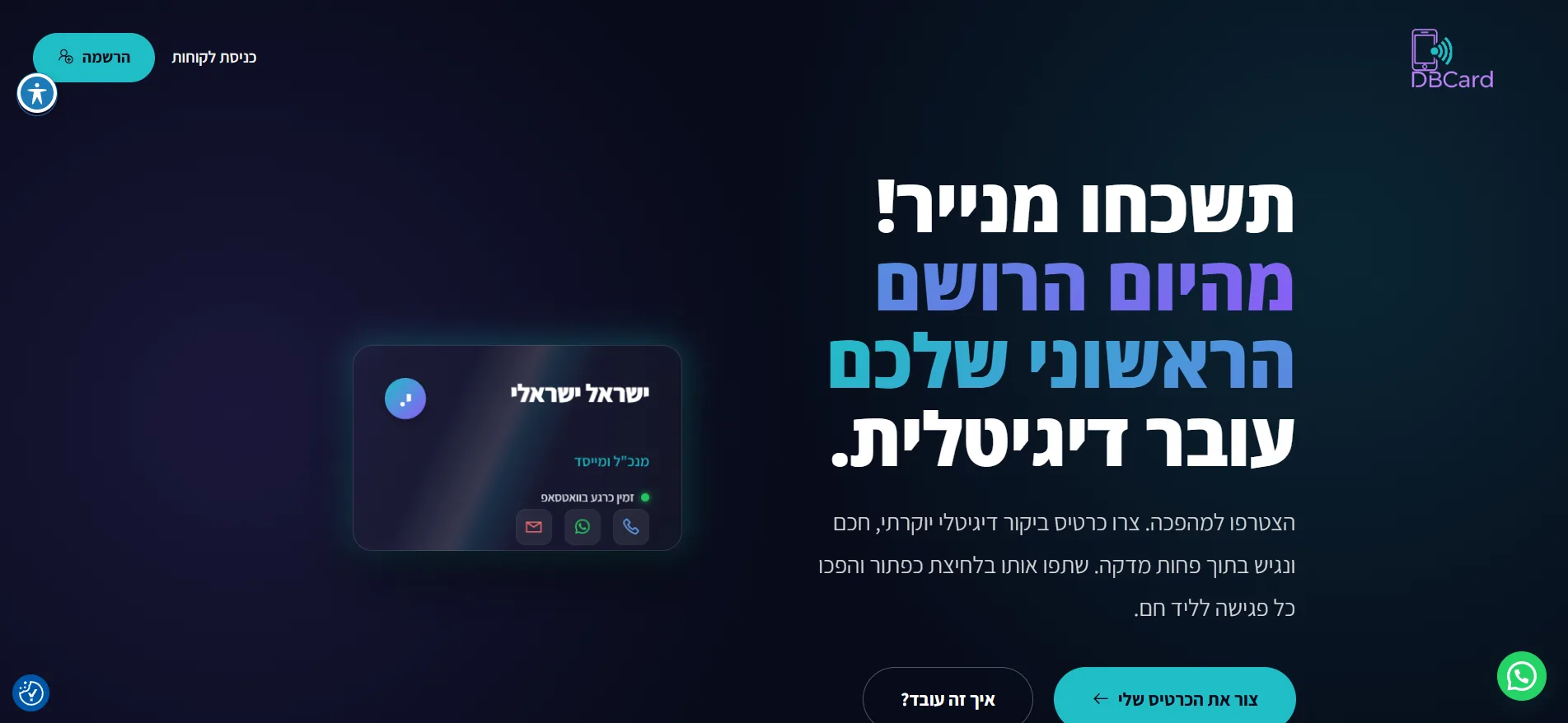
Another flagship project is DBCard - a smart platform for digital business cards.
- Advanced real-time visual editor for design control.
- Powerful admin interface for user management.
- Quick sharing via QR code and NFC.
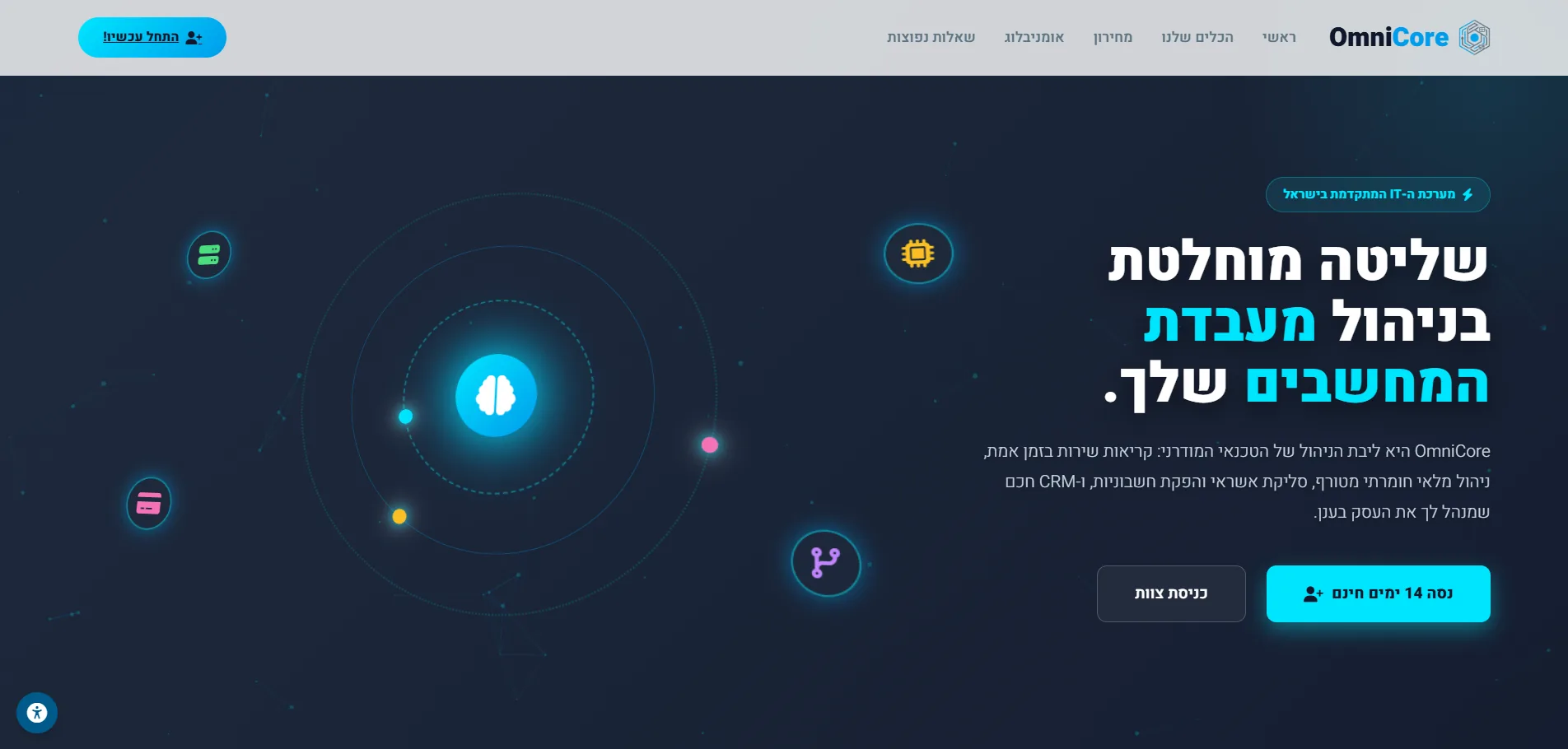
Advanced Management System: OmniCore CRM
The OmniCore CRM system was developed to centralize and streamline all your business processes in one smart platform.
- Intuitive management of customer relations, leads, and task tracking.
- Smart automations to streamline marketing, sales, and service processes.
- Advanced dashboards and reports for a real-time overview.
The Full Development Process
Step by step: From initial idea to ongoing maintenance.
Planning
In-depth planning to understand business goals.
Specification
Detailed description of functionality and UI/UX design.
Development
Writing clean code using advanced technologies.
Testing (QA)
Comprehensive testing to ensure flawless operation.
Launch
Approval and launch with complete training.
Maintenance
Ongoing support to keep systems updated and secure.
What is custom system development, and when is it better than an off-the-shelf product?
A custom system is software written for a specific business, with a database, permissions and processes that reflect how it works. Common types are a CRM for customers and leads, an ERP for orders and logistics, a customer or employee portal, and a SaaS platform sold by subscription.
Not every business needs custom development. An off-the-shelf product suits the early stage, and a custom build becomes worthwhile when the conditions below apply. The full discussion is in the article when a business needs a custom system rather than an off-the-shelf product.
- Your business process differs from what generic software allows, and you work around it in Excel
- You need to connect several existing systems through APIs and keep a single source of data
- Per-user licence costs grow along with your team
- You want full ownership of the data and the direction of the product
- You have a SaaS product idea that could be sold to other customers
What does a system development project look like from specification to maintenance?
Each stage produces a tangible deliverable the client sees and approves: a specification document in planning, design screens in the specification stage, working builds in development, a test report in QA, and training at launch. After launch we continue with maintenance and updates. A sound architecture from day one is what lets a system grow, as we explained in the article on software architecture.
Examples of results appear in our projects: an ERP and logistics system for Fredi Furniture Industries with a driver app, a management and registration system for a culinary business, and the Just-In rollout at a construction company. Our flagship products are also covered in articles on BarkBoard and OmniCore CRM.
Combining artificial intelligence and automation in enterprise systems is discussed in AI-driven development and CRM. For an initial scope estimate you can try the cost calculator and continue to a specification call through contact.
Custom software development: customer management, ERP and SaaS systems
Custom software development is meant for businesses whose processes do not fit an off-the-shelf product. A customer management system (CRM) gathers enquiries, tasks and history in one place, an ERP system connects stock, orders and logistics, and a SaaS product turns an internal tool into a service you can offer to more customers. For logistics see the management system we developed for a furniture company, and for a SaaS product see Just-In.
A good system does not work alone. It connects to payment services, email, accounting software and existing systems through API integration, and it starts with a written system specification that defines who uses it and what it has to do. The process is covered in the article how to write a software specification and in the guide to API integrations.
Building systems for businesses: which systems have we actually developed?
Building systems for businesses starts with the question of which process runs today on spreadsheets, messages and separate systems. Every system with us is written from scratch in clean code by developers, and starts with a written specification. These are kinds of systems we have developed, each described on its own page:
A system does not have to be large to justify development: it is enough that one recurring process is not solved by an off-the-shelf product. For a first estimate of the investment you can use the cost calculator, and the difference between an off-the-shelf product and a custom system is explained in the article on moving from an off-the-shelf product to a custom system.
- An ERP and logistics system, with an office interface and a separate experience for field teams: Fredi Furniture Industries.
- An attendance and payroll system for employees and managers: Just-In.
- A CRM and management system for repair labs, as a SaaS product: OmniCore CRM.
- A SaaS system for managing dog businesses, with an occupancy calendar and a card for each dog: BarkBoard.
- A registration and workshop system with real-time cart calculation: Derech HaMitbach.
- A dynamic property catalogue with a smart search agent and an admin interface: 2inaBOX.
Portal development: a personal area, a management dashboard and a portal for customers or employees
A portal is a protected area in a website or system where each user sees only their own information and permissions: a customer with a personal area, an employee who reports, a manager who sees the current picture. Portal development rests on the same principles as any system: a specification of roles and permissions, a clear interface and security.
Examples from our projects: a real-time managers dashboard in the Just-In attendance system, a customer personal area and appointment booking for a clinic, and a platform with a private content management system for an accounting firm. The price drivers of a portal and a CRM are detailed in the article on CRM and portal development cost. Tell us who the users are and what each one needs to see, and we will come back with a proposal through contact.
What do you get in a system development project?
At the end of the project you get a working system in production, not just documents. This is what the handover contains:
- A specification document defining processes, users and permissions
- A working live system, tested against the usage scenarios defined in the specification
- User permissions and an admin interface
- API connections to systems already in use, such as CRM, ERP, payments and accounting
- Training for your team
- The option to continue with maintenance and updates and add capabilities in stages
System, hosting, website, app and branding: how they connect
A business system works better when everything around it is connected to it. These are the common combinations:
- System + hosting: a system the team works with every day needs a secure home, and hosting, security and maintenance let you continue with the team that developed it.
- System + website: a website feeds the system with inquiries, orders and registrations, and a portal or account area shows customers information from the system.
- System + app: an app for field teams or customers works against the same server and the same data.
- System + branding: UX/UI design makes sure the interface is clear to employees and customers and matches the business's visual language.
Further reading
Frequently asked questions
What is the difference between an off-the-shelf CRM and a custom CRM?
What do you receive at the end of a system development project?
Can the system connect to tools we already use?
Do you develop a portal for customers or employees?
Which business systems do you build?
How much does it cost to develop a portal or a management system?
Can I get hosting and maintenance for a system you developed?
Ready to scope your next system?
Logicode's engineers are waiting to hear about your project.