
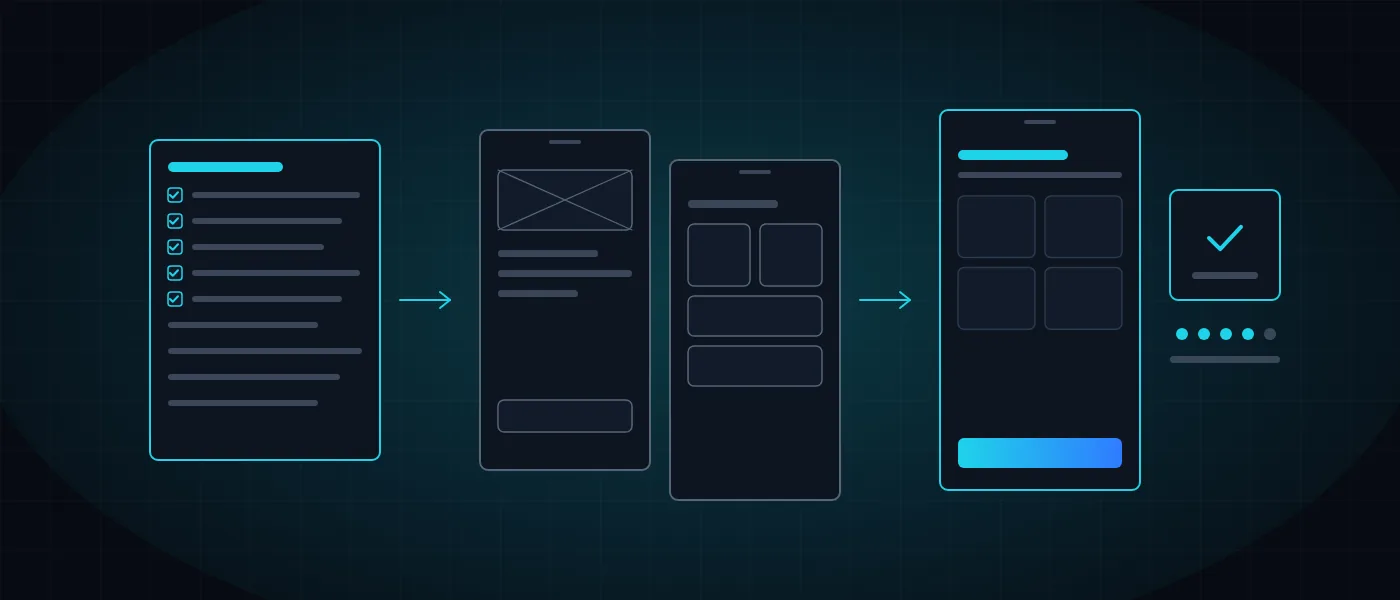
Most business owners know what the app should do, and are less sure about what happens on the way to it. What comes first, when something appears on a screen, what is required from the business itself, and why publishing to the stores takes longer than pressing a button.
This guide walks through app development stage by stage, from the idea to the maintenance that follows launch. For each stage we explain what is done, what it produces and what is worth checking. The examples come from apps we developed at Logicode, a software development company in Haifa that designs and develops apps, websites and systems.
How is an app developed? The process at a glance
App development is a sequence of six stages, each with a deliverable you can see and approve: a specification document, a design and prototype, a technology decision, a working version, an app approved in the stores and a maintenance plan. The order is not arbitrary. Each stage reduces the risk of the one after it, and a fix at the specification stage is far cheaper than a fix in code.
Before starting, make sure an app really is the right tool. Sometimes a fast website or a management system solves the same problem in less time and on a smaller budget. We covered the considerations in app or website, and the cost components in how much app or CRM development costs.
It also helps to remember that an app is more than the screens you see. Behind it are a server that holds the data, an admin panel from which the business controls content, and connections to other systems. All of these are part of the project, even if the user never sees them.
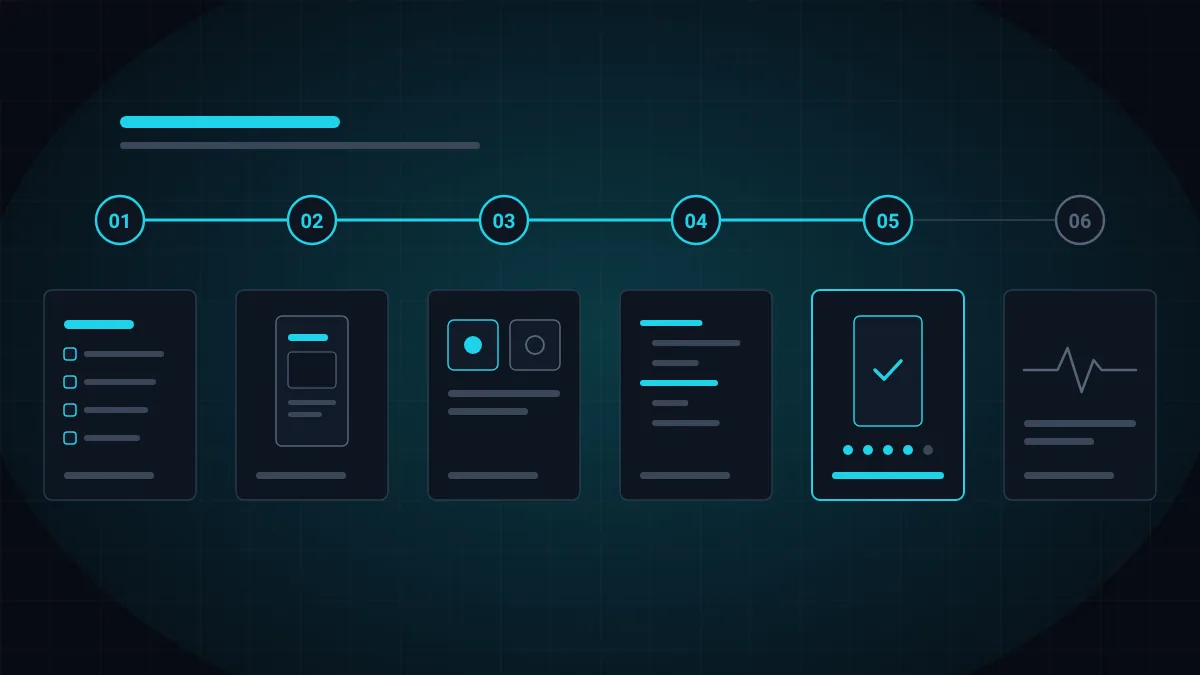
- Specification: what is being built, for whom and at what scope.
- UX/UI design: flows, screens and an interactive prototype.
- Technology: native, cross-platform or installed from the browser.
- Development: app, server and admin panel.
- Testing and publishing: real devices, then Google Play and the App Store.
- Maintenance: updates, monitoring and new capabilities.
Stage 1: Specification. Defining what is built, and for whom
A specification is the document that describes what the app does before anyone writes a line of code. It defines who the users are, which actions each of them performs, which screens are needed, where the data comes from and which systems the app connects to. A good specification also answers the less comfortable questions: what happens with no internet, what happens when the user makes a mistake, and what does not go into the first version.
The specification is also the basis for the quote. Without one, every price is a guess and every change along the way becomes an argument. With one, both sides know what is delivered, when, and what counts as an extra. We detailed the structure of such a document in the system specification example.
The most important decision at this stage is what goes into the first version. An app that tries to do everything from day one is delayed, costs more and is usually harder to use. A first version focused on one central process goes live sooner, and what is added afterward rests on real usage rather than assumptions.
- Who the users are, and what each of them needs to do.
- A list of screens and actions, in priority order.
- Device capabilities: location, camera, notifications and offline work.
- Connections: website, store, CRM, payments or an existing system.
- What is included in the first version, and what is deferred.
- How you measure that the app succeeded.
Stage 2: UX/UI design and a prototype
In the design stage the specification becomes screens. It starts with flows: what the user's first step is, how many taps it takes to complete the action, and where they might get stuck. Then come wireframes, which arrange content and actions without color or graphics, and only after the logic is approved are the screens themselves designed in the language of the brand.
The key deliverable at this stage is an interactive prototype: a version you can tap through and move between screens, before an app exists. A prototype reveals problems you cannot see in a document, such as a misplaced button or a process that is too long, and fixing them at this stage takes hours rather than weeks.
Design also covers accessibility: contrast, the size of touch targets, reading order and screen reader support. If the business already has a brand, the app is built from it. If not, this is the time to define one, as we explained in the business branding guide. We present the design service itself on the branding and UX/UI design page.
- User flows for every central action.
- Wireframes to approve the logic.
- Design of every screen, including error states and empty states.
- A prototype you can tap through on a phone.
- Adaptation to different screen sizes and reading directions.
- Accessibility as part of the design, not a fix at the end.
Stage 3: Choosing technology. Native, cross-platform or installed from the browser
A native app is written separately for each operating system: Kotlin for Android and Swift for iOS. It fits when you need high performance, deep hardware access or an experience that feels part of the device, and the price is two codebases to develop and maintain.
A cross-platform app is written once and runs on both systems, for example with Flutter or React Native. It saves time and budget and lets you update Android and iOS together. This is how we built the Bakes app: an Android app that connects to the existing online store through a single API, so the same cart, the same prices and the same loyalty club are available on mobile too, while payment stays on the site's secure payment page.
A third option is an app installed directly from the browser, with no app store. The user receives a link, confirms, and the app appears on the home screen. This is how employees install the Just In attendance app, and how the clients of Ela Alzami book an appointment from their phone. This route fits when the users are known in advance and a store presence is not needed.
There is no single answer that is right for everyone. The choice is made by what the app needs to do, by the budget and by how users will reach it.
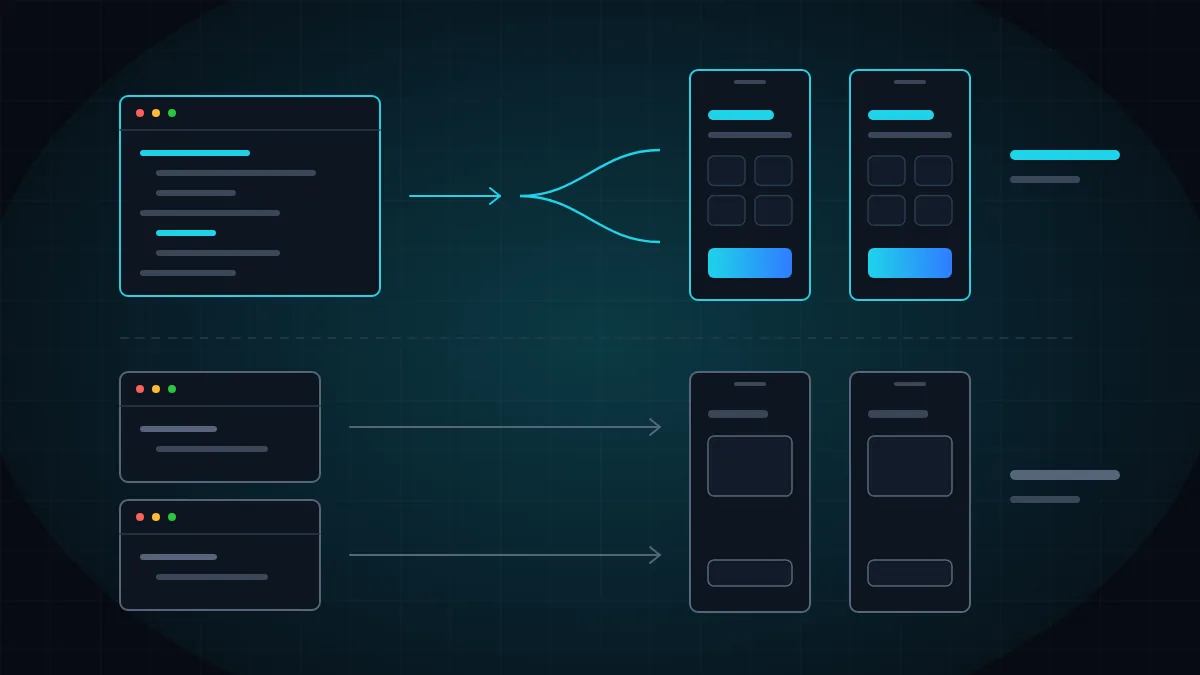
- Native: performance and full device access, two codebases.
- Cross-platform: one codebase for both systems, saving time and maintenance.
- Installed from the browser: no store, suits employees and existing customers.
- What decides: the device capabilities needed, the audience and the budget.
- What does not decide: fashion, or the technology the vendor happens to know.
Stage 4: Development. App, server and admin panel
Three parts are built in parallel during development. The app is what the user sees and operates. The server stores the data, authenticates users and applies the business rules. The admin panel is where the business updates content, views data and manages users. The three talk to each other through an API, and we wrote about the right way to build such connections in integration between systems.
A principle that prevents many problems is that every business rule is defined in one place. If both the app and the website calculate a price, a discount or a shipping fee, sooner or later they will produce two different results. So the rules live on the server, and the app displays what it returns. The drivers and surveyors app for Fredi works the same way: every report from the field reaches the management system in the office immediately, because both rest on the same source.
Good development moves in short versions. Instead of waiting months for a final product, every so often you see a version you can install and try. That surfaces misunderstandings early and lets the business change priorities without stopping the project.
- App: screens, navigation, offline mode and notifications.
- Server: data, permissions, business rules and security.
- Admin panel: content, users, reports and settings.
- Integrations: payments, messaging, existing systems.
- Interim versions you can install and test.
- Documented code that can keep being developed years from now.
Stage 5: Testing and publishing to Google Play and the App Store
Before an app reaches users it is tested on real devices, on different versions of the operating systems and on different screen sizes. The central processes are tested, along with what happens with no internet or weak reception, battery consumption, performance and security. An app that works perfectly on the developer's phone and freezes on a four-year-old device is an app that was not tested.
Publishing to the stores is a stage in its own right. Developer accounts are required: Apple's App Store charges an annual membership fee, and Google Play charges a one-time registration fee. The accounts should be registered in the name of the business and not of whoever developed the app, so that ownership stays with you. You also prepare the store listing: name, description, screenshots, icon, a privacy policy and a declaration of the data the app collects.
Both stores review every app before publication, and the review can end with a request for changes. Google Play has a requirement worth knowing in advance: a personal developer account created after November 13, 2023 must run a closed test with at least 12 testers for 14 consecutive days before it can apply to publish to the public. Those who do not plan for this discover on launch day that they have two more weeks to wait.
- Testing on real devices, new and old.
- Testing offline mode, weak reception and interruptions mid-action.
- Security testing: permissions, on-device data storage and encrypted communication.
- Developer accounts in the name of the business.
- A complete store listing: texts, screenshots and a privacy policy.
- Time for store review, including a possible round of changes.
Stage 6: After launch. Maintenance, updates and measurement
Launch is a beginning, not an end. Android and iOS release a new version every year, and an app that is not updated starts to misbehave and may eventually stop meeting the stores' requirements. Maintenance includes adapting to new versions, fixing faults, security updates and monitoring the server behind the app.
After launch you also start learning. The data shows which screens are used, where a process is abandoned, and what users ask for in reviews and inquiries. That information is worth more than any assumption made at the specification stage, and it decides what goes into the next version.
How long does the whole process take? It depends on scope: the number of screens and roles, the device capabilities, the integrations, and whether a server or system you can connect to already exists. An app that extends an existing system moves faster than one built together with everything behind it. We present the full service, from specification to the stores, on the app development for Android and iOS page, and you can get an initial estimate from the cost calculator. If you have an idea and want to see what it looks like as a project, talk to us.
- Adapting to new versions of Android and iOS.
- Bug fixes and security updates.
- Monitoring the server and app crashes.
- Tracking usage, drop-off and reviews.
- Planning the next version from data.
- Server maintenance: backups, hosting and security.
More articles worth reading
- App or Website? A Decision Guide for Business
- How Much Does App or CRM Development Cost?
- System Specification Example and How to Write One