
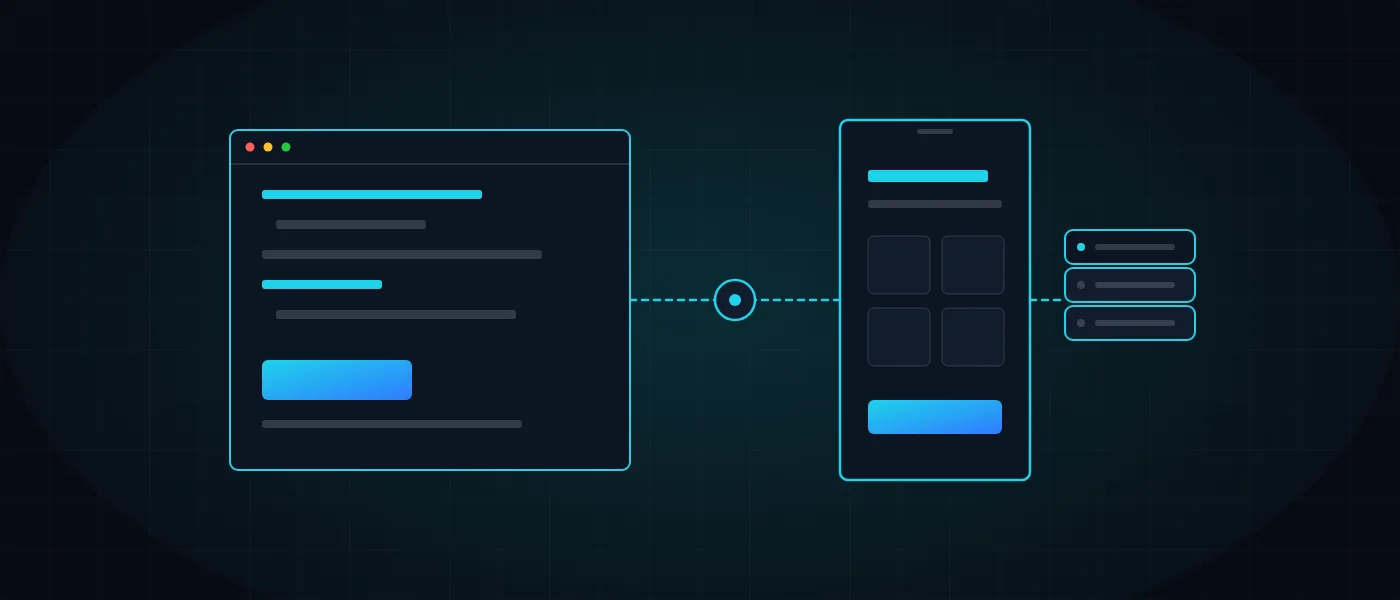
The question of app or website comes up in almost every first conversation with a business owner. Sometimes it is asked under pressure (“our competitors have an app too”), sometimes out of enthusiasm, but almost never from an understanding of what will actually serve customers and the business.
This guide breaks the decision into simple questions. We show when a website is the right answer, when an app pays off, how the app types differ and how to start with a small step. It all comes from our work at Logicode, a software development company that develops apps and websites in clean code.
App or website: what is the real difference?
A website opens in a browser through an address, so anyone can find it on Google and use it without installing anything. An app is installed on the device from a dedicated source, can send notifications, and can use the camera, location and device storage far more deeply.
The difference that matters is behavioral rather than technical. A website serves someone who searches and visits once, and an app serves someone who comes back again and again. So the right question is not what is more advanced, but how our users are expected to use us.
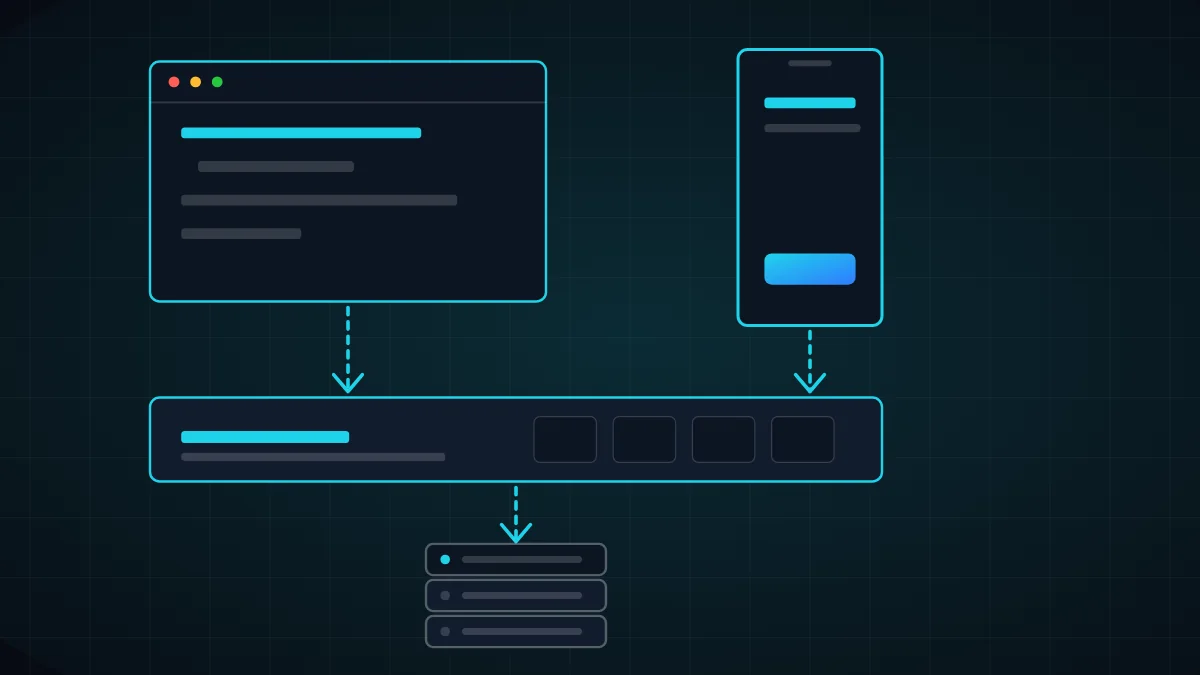
In practice you do not have to choose. A good system is built around one core, a server and a database, with several interfaces on top: a website for Google and new users, and an app for those already inside. That way all the data lives in one place.
Whoever starts from this decision without understanding the difference tends to pay twice: once for an app nobody downloads, and again for a website that fixes what should have been clear from the start. The way to save is to describe the action the user wants to complete first, and only then choose a tool.
When is a website the right answer?
If the business needs to be found, understood and contacted, a website is the first choice and almost always the right one. An app does not appear in Google search the way a web page does, and nobody installs the app of a business they do not know yet.
A clean-code website is also cheaper to maintain, works on every device and updates without approval from any store. If you are weighing this direction, start with the page on clean-code website development and the article how much it costs to build a website.
When the question is app or website, the answer depends on the business, but for most service and retail businesses the answer is a well-built website: fast, accessible, mobile-friendly and connected to measurement tools. Once it brings customers and shows a usage pattern, you can check whether there is room for an app that deepens the relationship.
- Customers arrive through Google search, so ranking matters.
- Use is one-off or rare: an inquiry, a quote, booking a meeting.
- Content changes often and has to be published without an approval process.
- The budget is limited and the goal is to prove demand before expanding.
When does an app justify its cost?
An app is worth it when users return regularly and there is an action a phone does better than a browser. An employee clocking in with location verification, a driver updating status and collecting a digital signature, or a customer ordering in two taps and receiving a notification.
The examples in our portfolio show this. The Just-In attendance app lives on clock-ins from the field, and the Fredi drivers and surveyors app shows each worker only their own daily work schedule.
An online store can also gain from an app, provided it extends the store rather than competing with it. In the Bakes app the cart, prices and loyalty club are the same, and payment stays on the secure website. Details are in the Bakes app case study.
- Users return every day or every week, not once a year.
- Access to the camera, location, signature or barcode is required.
- Push notifications are part of the value, such as a reminder, a status or a personal offer.
- The team works in the field, sometimes without a stable internet connection.
Native app, cross-platform app or responsive website?
A native app is written separately for each operating system, in Kotlin for Android and Swift for iOS. It suits cases that need high performance, deep hardware access or an experience that feels like part of the device, and in exchange the cost is higher.
A cross-platform app uses one codebase that runs on both Android and iOS, for example with Flutter or React Native. It saves time and budget and lets you update both systems together, and for most business apps it is the right balance point.
A responsive website is an ordinary site that adapts to the screen size. If all you need is comfort on mobile, it is often the cheapest and fastest route, and we choose the technology together with the client according to scope, budget and goals.
Choosing correctly among the three options starts with requirements rather than technology. If an app has to work without an internet connection, synchronize data when the connection returns and use device sensors, that changes the whole architecture. This is why it is examined in the specification, before any budget commitment is made.
Five questions that help you decide
Before you request quotes and settle the app or website question, answer the five questions below in writing. If most answers point the same way, you have probably found your direction. If they split, it is a sign to start with a website or system and add an app at a later stage.
The best way to answer is to sit with two real users and ask how they perform, today, the action you want to improve. Their answers are worth more than any internal survey, and sometimes they show that the problem does not need an app at all, only a better form on the website.
- Who is the user, and in what situation are they when they use us: at a desk or on the move?
- How many times a month will they return, and what would put them off if we asked them to install something?
- Is there a capability that needs the camera, location, notifications or offline work?
- How will new customers find us, and what will bring them to install?
- Who will maintain the product in year two, and what is the budget for updates?
How much does an app cost, and what hides behind the price?
The cost of developing an app depends on the number of screens, the types of actions, the connection to existing systems, the platforms and the server behind it. We do not publish a fixed price, because a simple app and a field app with synchronization are two entirely different products.
Remember the costs that do not show in a quote: submitting to and complying with the stores, updating for new Android and iOS versions, hosting, monitoring and ongoing maintenance. For a first estimate you can use our development calculator.
The right financial decision is not how cheap it can be, but how much value the app creates against its cost over three years. An app that saves employees hours of manual reporting can pay for itself, and an app nobody installs is only an expense.
When you compare quotes for the cost of an app, ask each one to list what is included: design, server, admin interface, testing on real devices and store release. A cheap quote that leaves out the server or the admin interface is an offer for half a product.
Four common mistakes when deciding between an app and a website
The first mistake is copying the website into an app. Long screens, crowded menus and complex forms do not become a good experience just because they sit inside an app store. A good app does one thing well, at the right moment.
The second mistake is ignoring maintenance. Operating systems update every year, app stores change their requirements, and an app that is not looked after stops working. It is worth planning in advance who is responsible for updates and what the budget is.
The third mistake is building two separate systems, one for the website and one for the app, with duplicated data. The fourth is skipping the specification and starting with design. Both are fixed by the right architecture, and the article on custom development versus off-the-shelf products explains the reasoning.
- Not defining the user and the core action before choosing a platform.
- Assuming an app will bring new customers when it mostly serves existing ones.
- Forgetting the admin interface, without which the team cannot update content and data.
How to start properly: a short specification and a small first stage
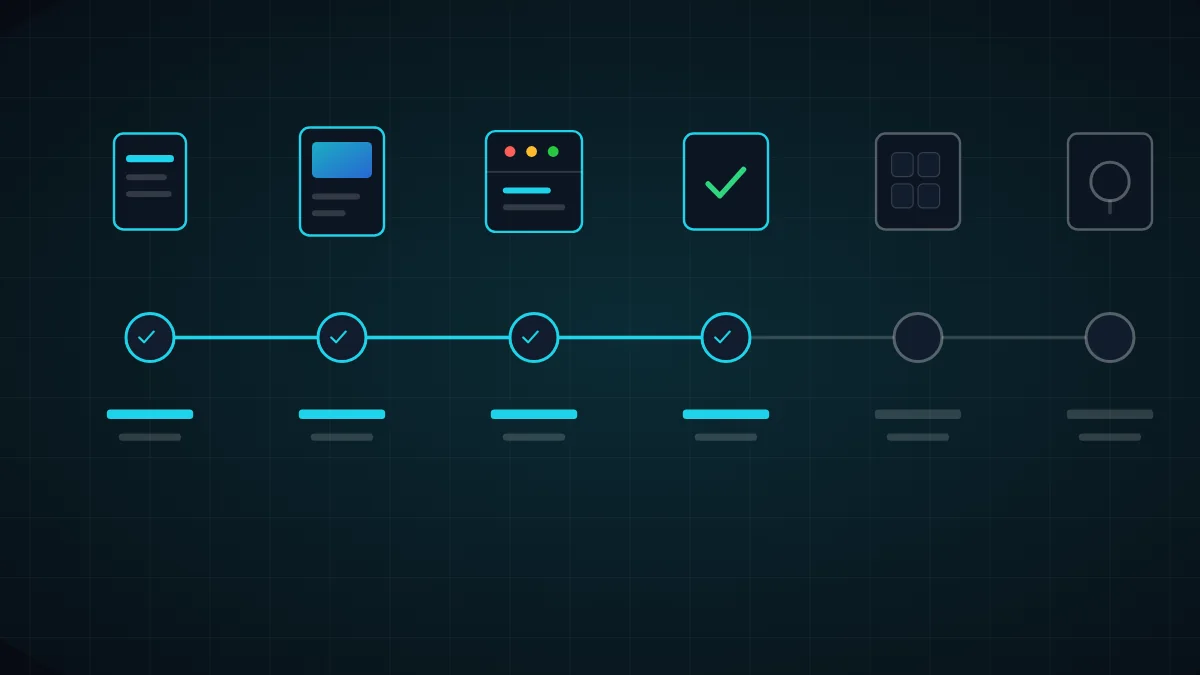
The safest way is to begin with a short specification that defines users, screens, actions and platforms, together with a clickable prototype before any code is written. That is how you discover cheaply what does not work, rather than after development ends. We wrote about the process in the article on system specification.
Then you build a first stage that proves value, such as one screen or one flow, and expand according to real use. Design matters here too, and in the article on UX UI psychology we explained why a clear screen beats a crowded one.
We build from scratch, in clean code and by human developers, including the server and the admin interface. If you are unsure, get in touch for a short, no-obligation call, and we will tell you plainly whether a website, an app or both is right for you.
In summary, there is no single answer to the question of app or website, but there is one way to approach it: understand the user, start with a small step that proves value, and build a core you can extend. That way every shekel invested keeps working even when the business changes direction.
More articles worth reading
- How Much Does a Website Cost in 2026?
- System Specification: What a Good Spec Contains
- The Psychology of UX/UI Design for Premium Brands