
Hosting, Security & Maintenance
A live site is just the beginning. We provide fast hosting, advanced protection, and 24/7 monitoring.
Powerful Servers & Peak Speed
Today's users are impatient. A slow site loses clients. With us, your site sits on high-performance servers.
We use advanced cloud technologies and CDN networks to guarantee 99.9% Uptime and stability.
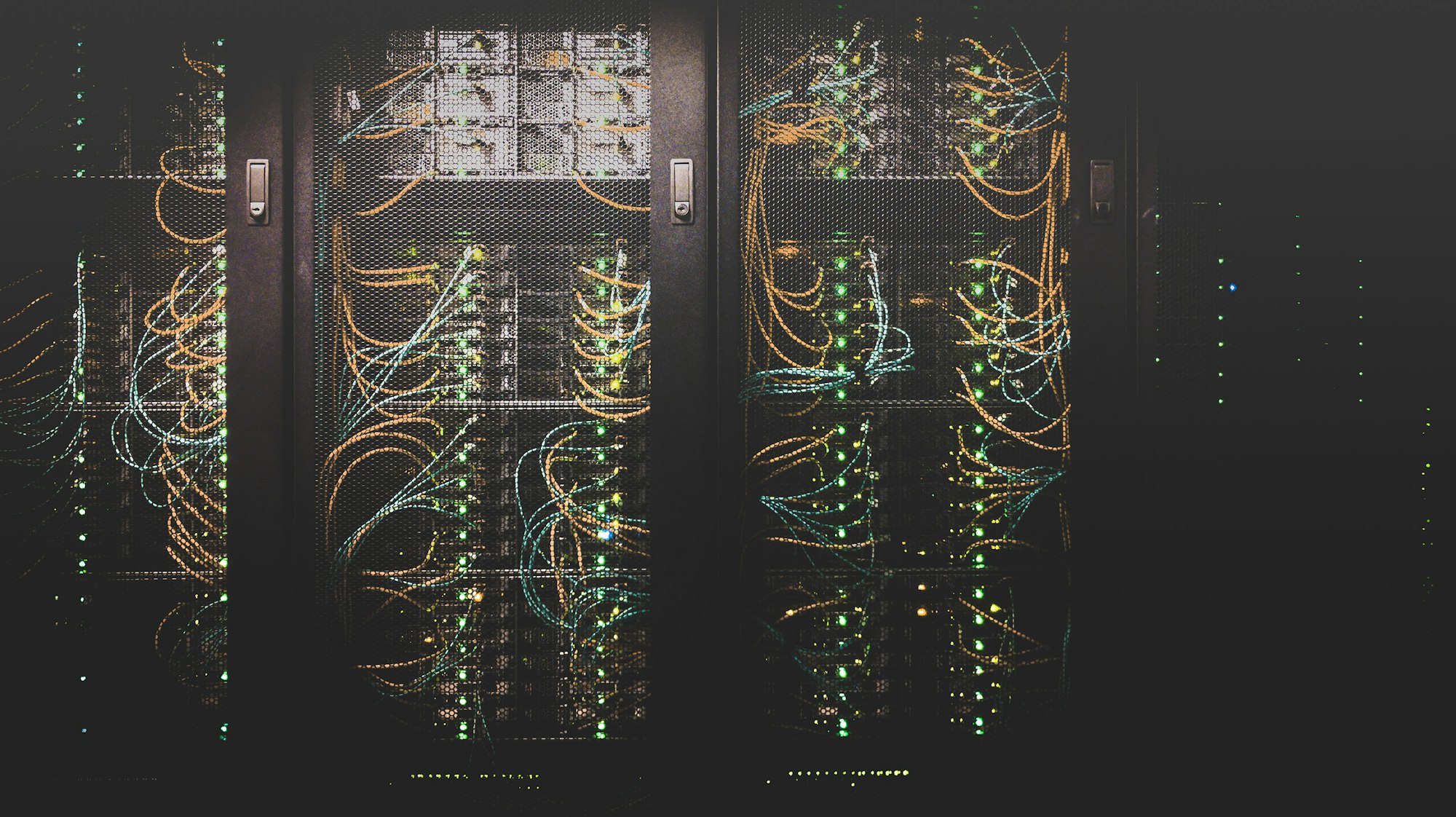

Active Protection with Weblock
Hackers and bot attacks are a real threat. That is why we developed Weblock - our dedicated security and monitoring system that keeps your website protected.
- Firewall (WAF): Blocking malicious traffic before it reaches your site.
- 24/7 Monitoring: Our system checks site availability every minute.
- Automated Backups: Full daily backups to a separate cloud.
- Regular Updates: Ongoing updates for code, plugins, and servers.
Full Service Package
Put your website in good hands and get back to running your business.
Migration & Setup
We migrate your site to our servers with zero downtime and set up SSL.
Speed Optimization
Server tuning and caching solutions to reach maximum PageSpeed scores.
Security Control
Daily malware scans and core updates that prevent code injection.
Technical Support
A professional development team at your service for any question, issue or change request.
 AWS
AWS Linux
Linux Nginx
Nginx DockerAWSLinuxNginxDocker
What is managed website hosting, and how does it differ from shared hosting?
In shared hosting dozens of sites share the same server resources, so another site can slow yours down or expose you to risk. Managed hosting is a service where both the infrastructure and its care are provided by professionals: server setup, caching, updates, backups and security, so the site does not depend on someone remembering to update it.
When choosing a website hosting service it is worth checking the points below, and the article on edge performance in 2026 explains why speed is now a requirement:
- Speed: cloud infrastructure, a CDN and caching, and meeting Core Web Vitals such as LCP up to 2.5 seconds
- Availability: continuous monitoring and immediate alerts when the site does not respond
- Backups: a daily copy stored in a separate location with fast restore
- Security: a web application firewall (WAF), SSL and regular scans
- Support: access to developers, not just general customer service
What does the Logicode hosting, security and maintenance service include?
A web application firewall, or WAF, is a protection layer that inspects every request to the site and blocks malicious traffic before it reaches the code. That is the principle behind Weblock, and its logic is detailed in the article active firewall. For the wider context of cyber threats to business sites, read the 2026 guide to cyber protection.
Moving an existing site to us is done without downtime, with SSL set up and the server and cache tuned. For example, in the project for accountant Ilana Ruzin-Eloz, shared hosting was a central infrastructure challenge. Online sales are especially sensitive to load times, as explained in the article how a fraction of a second kills sales.
The service runs alongside the website build itself, so the same team that developed the site knows the infrastructure it runs on. To get in touch and request a proposal, use the contact page.
Frequently asked questions
What is a WAF and why does a business site need one?
What happens to my site during migration to your servers?
How often are backups made, and where are they stored?
Looking for a warm, fast and secure home for your website?
Let us take care of the technology. You focus on growing your business.