
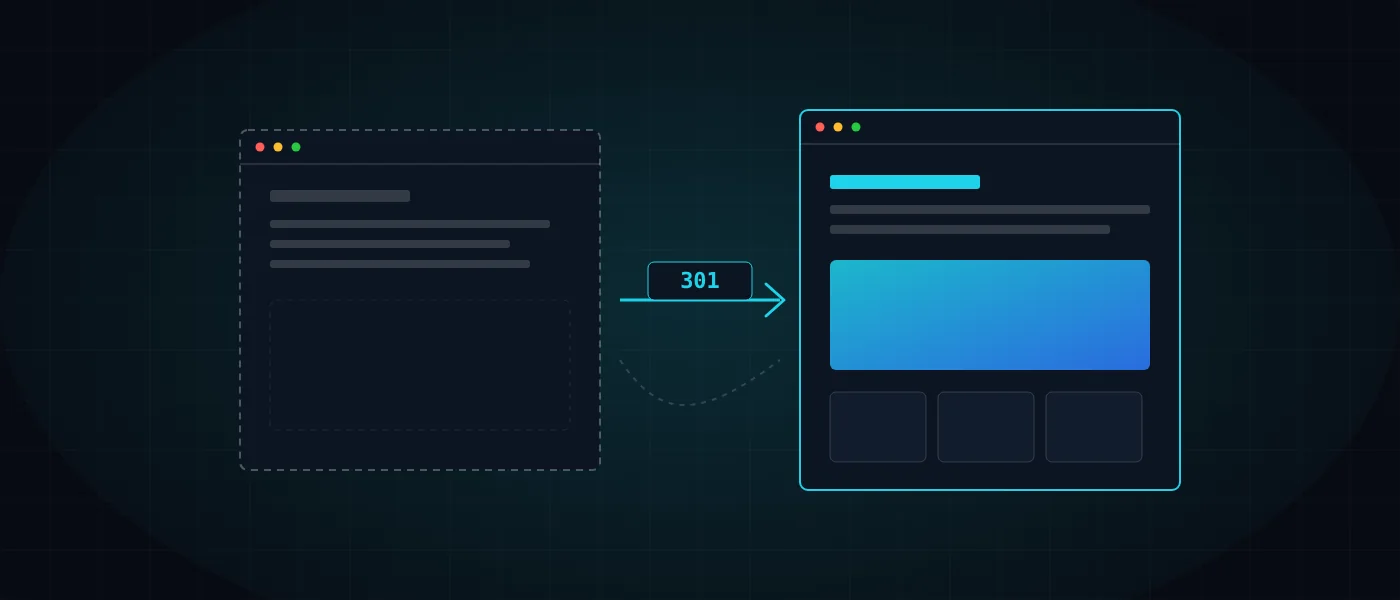
Moving a website without losing rankings is a matter of planning, not luck. Many sites lose a large share of their organic traffic precisely when they improve: a new design, a new platform, a faster server. The cause is almost always the same: someone changed what Google had already learned to recognize and left no bridge between old and new.
This guide is a phased work plan: what to map before touching the code, how to build redirects that work, what must carry over to the new site, what to verify on launch day and in the weeks after. It applies to a redesign, a CMS change, and a domain or hosting move.
Why do rankings fall, and how do you plan a site move without losing them?
Rankings fall when Google finds something on the new site that differs from what it knew, with no explanation. A search engine keeps a record of URLs, content, inbound links and usability signals, and a change in any of them forces it to relearn the site. While it relearns, traffic suffers.
That is why moving a website without losing rankings divides into four phases: inventory, building redirects, preserving the elements that rank each page, and then launch and monitoring. The order matters, because each phase relies on the output of the previous one.
It is worth knowing that even a well-executed move can bring temporary fluctuation. The aim is to narrow and shorten the gap, not to promise that rankings will not move. What you can control is the list of common causes below, and nearly all of them are preventable.
- URLs that changed, with no 301 redirect from the old address to the new one.
- A noindex tag or robots.txt block left over from the staging environment.
- Titles, descriptions and H1 headings that were deleted or rewritten without review.
- Internal links and content that were removed, so important pages lost weight.
- A site slower than its predecessor, especially on mobile.
Phase 1: how do you inventory the current site before touching it?
An inventory is a complete list of every URL on the current site, with the data that shows what each one is worth. Without it you cannot know what to keep, what to redirect and what can be dropped, which makes it the phase you must never skip.
Crawl the site with a crawler tool, then cross-check the list against Search Console, analytics and a backlink report. Current organic traffic is your baseline: without it you cannot tell after launch whether you dropped or whether the movement is normal.
- All crawlable URLs, including images, PDFs and paginated pages.
- URLs with organic traffic, and the top queries behind each of them.
- URLs with inbound links from external sites, which you must not lose.
- Titles, descriptions, H1s, canonical tags and hreflang of each important page.
- Current speed scores, as a baseline for the new site.
Phase 2: how do you build a URL map and 301 redirects that work?
A 301 redirect is a server instruction saying "this page has moved permanently", and it passes most of the accumulated value from the old page to the new one. A URL map is a table in which every old URL is paired with a single equivalent new URL, one to one.
The first recommendation is not to change URLs at all when there is no reason to. An unchanged URL needs no redirect and risks nothing. If you must change, redirect each page to the closest equivalent by content, not to the homepage, because mass redirects to the homepage are sometimes treated as errors and do not preserve relevance.
On a large site you cannot write every redirect by hand, so you use pattern rules: one rule that translates an old URL structure into the new one. Such rules are efficient but risky, so test them against a large sample of URLs from the map, including edge cases such as parameters and special characters.
Avoid chains: URL A redirecting to B, which redirects to C, wastes crawl time and slows the visitor. Every old URL should point straight at its final destination. Pages that were removed and have no replacement can return a 410 status, so that Google understands the removal is deliberate.
- Check that each redirect returns 301 rather than 302, and that the destination returns 200.
- Cover the www and non-www variants, HTTP and HTTPS, and trailing slashes.
- Preserve parameters and the URLs of important images that receive traffic.
Phase 3: what must carry over to the new site to preserve rankings?
Everything that earns a page its ranking must carry over to the new site. That means the page title, the description, the H1, the body text, the heading structure, the structured data, canonical tags and hreflang on multilingual sites, and the internal links between pages.
A redesign tempts you to shorten texts and delete "excess content". Before deleting, check in Search Console which queries the page receives, and keep the text that answers them. The wider foundation of tags and structure is described in our guide to technical SEO.
Do not forget images: their file names, alt text and URLs. Images rank in image search, and changing a file’s URL without a redirect also breaks the page that displays it. The same principle applies to PDFs and downloadable documents.
Speed is part of preservation too: a new site slower than the old one loses points. Guidance on meeting the Core Web Vitals thresholds is in our guide to edge performance in 2026. Moving to a leaner system, such as a custom theme built as clean-code WordPress, makes that easier. In stores this matters even more, because a small loading gap also affects sales, as explained in the guide to e-commerce speed.
How to launch correctly: staging, noindex, robots.txt and the sitemap
Build the new site in a staging environment blocked from indexing, with a password or a noindex tag. That way Google does not see duplicate content or try to rank temporary addresses. The most common launch mistake is forgetting to lift that block on go-live day.
For us, a migration that keeps your rankings also includes a full backup of the old site before any change, so there is always somewhere to roll back to. The old site is not deleted on launch day; it stays accessible for comparison until redirects and content are confirmed correct.
After go-live, verify that robots.txt does not block important directories and that the XML sitemap is current, containing only URLs that return 200 and are not redirected. Submit it in Search Console so Google discovers the new URLs sooner.
- Remove noindex and password protection from the new site.
- Make sure the canonical points to the final address and not to staging.
- Generate a new sitemap and submit it, and retire the old one.
And what happens when you change domain or hosting?
A domain move is the most delicate migration, because every URL changes at once. Besides 301 redirects from each old URL to its equivalent on the new domain, use the Change of Address tool in Search Console after verifying both properties. The tool is meant for moves between domains, not for URLs that change within the same domain.
In a hosting-only move the URLs stay, and the emphasis is on continuity: preserving DNS settings, lowering the TTL before the switch, installing the SSL certificate before changing DNS, and making sure the new server responds quickly. The security setup must move along with the site as well, as detailed in the guide to web security in 2026. As part of our hosting and security services we carry out the migration without downtime.
What do you check on launch day?
On launch day you verify that the basics work, which should take hours rather than days. The list below is short on purpose, so that you can actually go through it and tick every item.
Also check a real mobile device and not only a browser simulation, since most traffic arrives from mobile. Record screenshots of the top pages and of the redirect status, so that you have a reference point if a question comes up next week.
- A sample of old URLs from the map returns 301 to the correct destination, with no chains.
- There is no noindex on important pages, and robots.txt does not block them.
- Titles, descriptions and H1s on the top pages match what was documented.
- Forms, analytics tracking and conversion tags all work.
- The sitemap has been submitted to Search Console, and HTTPS is valid on every page.
What do you monitor in the first 4 to 8 weeks, and how long do redirects stay?
In the first two months, check every few days the coverage report in Search Console, crawl errors and 404 signals, and compare rankings and organic traffic to the baseline you documented before the move. A rise in 404 errors points to a redirect we missed, which can be fixed immediately.
Keep the redirects for at least a year, and preferably longer, because old external links will keep arriving at them. Do not delete them once traffic settles. Ongoing site upkeep, as described in the guide to website maintenance, includes a periodic check that redirects are still working.
If a specific page drops, check the easy-to-fix causes first: a missing redirect, a changed title or a vanished internal link. Only then look for complex explanations.
How did we do it when we rebuilt our own site?
When we rebuilt logicode.biz, we kept every original URL. Renamed pages received a server-level 301 redirect in the .htaccess file, removed pages return 410, and a fresh XML sitemap was generated from the pages actually built rather than from what was planned.
A structured migration is part of the budget of a site project and not an optional extra, as the guide to website cost explains. Teams that allocate time for it usually save far more than they spend, because a move that keeps your rankings protects the customers who already find you. Examples of launched sites are in the portfolio.
We apply the same approach in client projects, as part of our clean-code web development. If you need a migration and have more questions about scope, you can start with the cost calculator or talk to us through the contact page.
More articles worth reading
- Technical SEO: The Foundation of Google Rankings
- Edge Performance in 2026: A 100 PageSpeed Score
- Website Maintenance: What to Include