

Website hosting is a decision most business owners make once, quickly, and by price. Later the site loads slowly, goes down just as a campaign launches, or turns out to have no backup on the day one is needed. Many of these problems start with the hosting choice, not with the code.
This guide explains the difference between hosting types, what to check before choosing a provider, how hosting affects speed and Google rankings, and how to move to another host with no downtime. It is written for business owners and needs no technical background.
What is website hosting, and why does the choice affect the business?
Website hosting is renting space on a server where the site runs and stays reachable at any hour. When a visitor types the address, the browser contacts the server and the server returns the page. Everything on that path depends on the hosting: how fast the server answers, how many visitors it can serve at once, and what happens when part of it stops working.
Three things tend to get mixed up. A domain is the address of the site. Hosting is the server and infrastructure that serve it. Maintenance is the ongoing work on the site itself: updates, checks and fixes. Each can be bought separately, but when something breaks it matters who is responsible for which part. We covered maintenance in depth in the website maintenance guide.
The effect on the business is direct. A slow site loses visitors before they see the offer, a site that is down loses inquiries and sales, and a hacked site loses customers' trust. Hosting is not the only cause of any of these, but it is the base everything else stands on.
- Speed: how long it takes the server to start answering.
- Availability: how much of the time the site is actually up.
- Load: what happens when many visitors arrive at once.
- Security: who blocks malicious traffic before it reaches the site.
- Backups: whether you can return to a working state, and how quickly.
- Support: who you talk to when there is a fault.
Types of website hosting: shared, VPS, dedicated and cloud
Shared hosting is the most common and cheapest type. Dozens or hundreds of sites sit on the same server and share the same resources. For a small site with little traffic that can be enough, but a neighbor that gets a traffic spike or is hacked can slow yours down too, and you usually have no control over server settings.
A VPS is a virtual private server: a defined slice of a physical server with resources allocated only to you. Performance is steadier and you have full control over settings, but someone has to manage the server: install, update, secure and monitor it. A dedicated server is an entire physical machine for one site or system, suited to heavy loads or special requirements. Cloud hosting spreads the site across infrastructure that can scale up and down on demand, so it suits sites whose traffic varies a lot.
These types describe the infrastructure. Who manages it is a separate question, and managed hosting, which we get to next, is the answer to it.
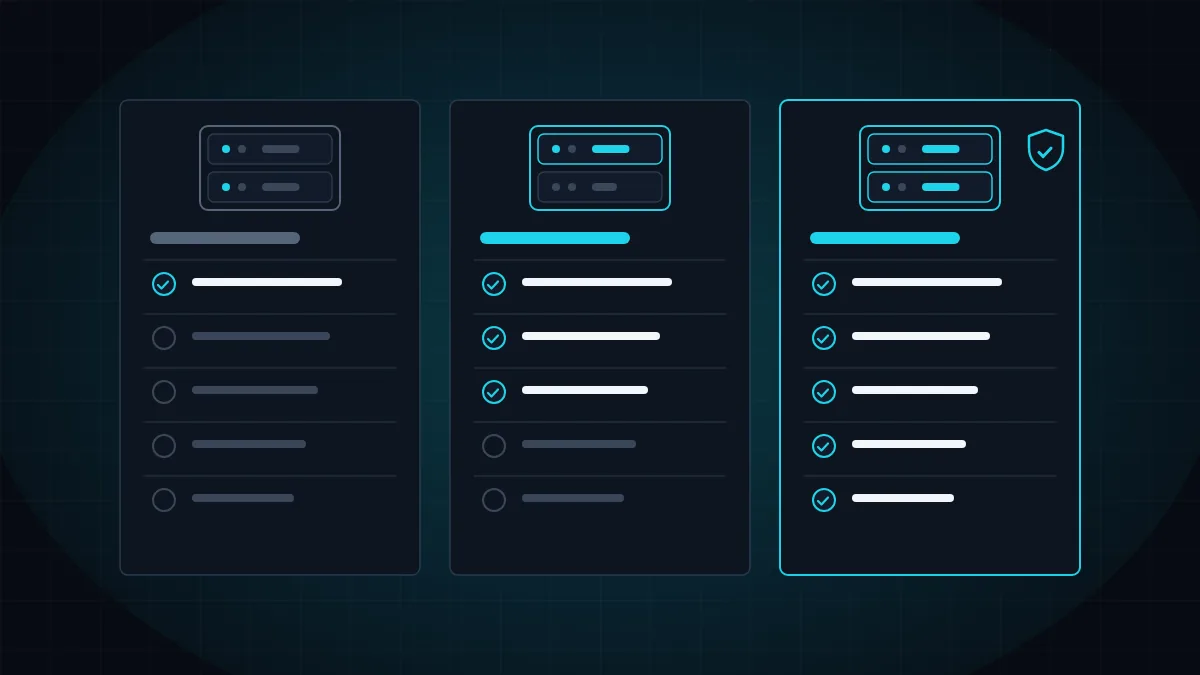
- Shared hosting: cheap and simple, shared resources, suits a small site.
- VPS: allocated resources and full control, requires server management.
- Dedicated server: a whole machine for heavy loads or special requirements.
- Cloud: infrastructure that grows and shrinks with traffic.
- Managed hosting: one of these infrastructures, with a team that runs it for you.
Managed hosting: what do you get beyond the server?
Managed hosting is a service in which professionals run the infrastructure and look after it. Beyond the server itself you get all the work around it: server tuning, caching, a firewall, backups, security updates and monitoring. The practical difference is that when something happens, someone already knows about it and is dealing with it, sometimes before visitors notice.
For a business without a technical person, that difference is worth more than any figure on a spec sheet. A powerful VPS that nobody updates or backs up is riskier than simple shared hosting. So the right question is not only how many resources you get, but who is responsible for the server on the day something goes wrong.
In our hosting, security and maintenance service six components work together: fast infrastructure, active protection, a daily backup stored separately from the server, an availability check every minute, updates that are tested in a staging environment first, and direct support from the team that built the site. We developed the protection layer ourselves and wrote about it in the Weblock article.
- Server tuning, caching and a content delivery network.
- A web application firewall and malware scans.
- A daily backup stored in a separate location, with test restores.
- Availability monitoring and an immediate alert to the team.
- Security updates that are tested before they reach the live site.
- Developers you can contact directly.
What should you check before choosing a hosting provider?
A hosting plan spec is full of numbers, and most of them do not help you decide. "Unlimited" disk space and bandwidth sound good, but they say nothing about what really matters: how fast the server answers, what happens under load and what happens in a fault.
Start with availability. A 99.9% commitment sounds almost perfect, but it allows nearly nine hours of downtime a year. Ask what the commitment is, how it is measured and what happens when it is missed. Then check backups: how often, where they are stored, for how long, and whether anyone has tried restoring from them. A backup that sits on the same server as the site will not help on the day the server itself is hit.
Also check ownership and access. The domain and the hosting account should be registered in the name of the business, not of whoever built the site. Otherwise moving to another provider depends on someone else's goodwill. And finally support: who answers, during which hours, and whether they know your site or only the server.
- Availability: what the commitment is, and how it is actually monitored.
- Speed: server response time, caching and a content delivery network.
- Backups: frequency, separate location, retention period and tested restores.
- Security: a web application firewall, SSL, scans and updates.
- Server location: close to your audience, or a delivery network that brings content closer.
- Ownership: the domain and account registered in the name of the business.
- Support: access to professionals who know the site.
- Flexibility: resources can be increased without moving the site.
How does hosting affect site speed and Google rankings?
Every page load starts at the server. The time from the moment the browser sends a request until the first byte of the response arrives is called TTFB, and under Google's guidance a good value is up to 0.8 seconds. When the server is slow, everything after it is delayed, and no optimization in the code will recover the time lost at the start.
Google measures the loading experience with Core Web Vitals: LCP, the time until the main content appears, which should be up to 2.5 seconds; INP, how quickly the page responds to a click, up to 200 milliseconds; and CLS, how stable the page is while loading, up to 0.1. Hosting mainly affects LCP, because the main content cannot appear before the server has answered.
Good hosting does not guarantee a fast site, but weak hosting guarantees a slow one. A site written in clean code on good infrastructure benefits from both sides, and a heavy site on a weak server is hurt twice. We wrote about the metrics themselves in edge performance in 2026, and about the search engine side in the technical SEO guide. In online stores the effect is felt immediately at the checkout, as we explained in how load time affects sales.
- Server response time decides when loading even begins.
- Server-side caching saves repeated work on the same page.
- A content delivery network serves files from a server close to the visitor.
- An up-to-date version of the server software improves performance and security.
- Enough resources under load prevent slowdowns exactly at the important hours.
When should you move hosting, and how do you move with no downtime?
There are a few clear signs that the current hosting no longer fits: the site is consistently slow even after improvements in the code, there are repeated outages, support does not resolve faults, there is no backup you can rely on, or the business has grown and the plan is no longer enough. Another sign is that you have no access to the account and depend on someone else for every change.
The move itself does not have to be felt. The site and the database are copied to the new environment, everything is tested there, including forms, payment and mailboxes, SSL is set up, and only then is the domain pointed at the new server. The old server is kept running for a few days so that a visitor who still reaches it gets a working site.
When page addresses do not change, moving hosts should not hurt rankings. Problems begin when the domain, the URL structure or the system are changed at the same time. We covered that scenario in migrating a website without losing rankings, and the checks worth running after the move in the website launch checklist.

- A full backup of the files and the database before starting.
- Copying to the new environment and a full test before the switch.
- Setting up SSL and mailboxes on the new server.
- Pointing the domain at a quiet hour, after shortening the update time of the DNS records.
- Watching errors, forms and payments during the first days.
- Shutting down the old server only once everything is stable.
How much does website hosting cost, and what drives the price?
Hosting prices cover a very wide range, so comparing one number with another is pointless. What is worth comparing is what is included. A cheap plan usually includes a server only, and everything else, such as backups, security, monitoring and support, is priced separately or simply does not exist. A managed plan costs more because it includes the work of people and not only hardware.
Watch the renewal price too. Many plans are sold at a low introductory price for the first year, after which the price rises. Check what you will pay in the second year, and what each extra costs: an SSL certificate, backups, mailboxes or additional resources.
The right way to think about the cost is against the damage of downtime. For a business that receives inquiries or sales through the site, a few hours without it cost more than the yearly difference between a cheap plan and a managed one. If you want to check what suits your site, talk to us. We are a software development company in Haifa that develops websites and systems and also hosts them, so the team that built the site is also the team responsible for the infrastructure it runs on.
- Infrastructure type: shared, VPS, dedicated or cloud.
- Management level: server only, or a managed service.
- Backups: included, at extra cost or absent.
- Security: firewall, scans and an SSL certificate.
- Support: hours, response times and level of expertise.
- Renewal price: what you pay after the introductory period.
More articles worth reading
- Website Maintenance: What's Included and Checklist
- Website Security in 2026: Beyond an SSL Certificate
- Edge Performance in 2026: A 100 PageSpeed Score