
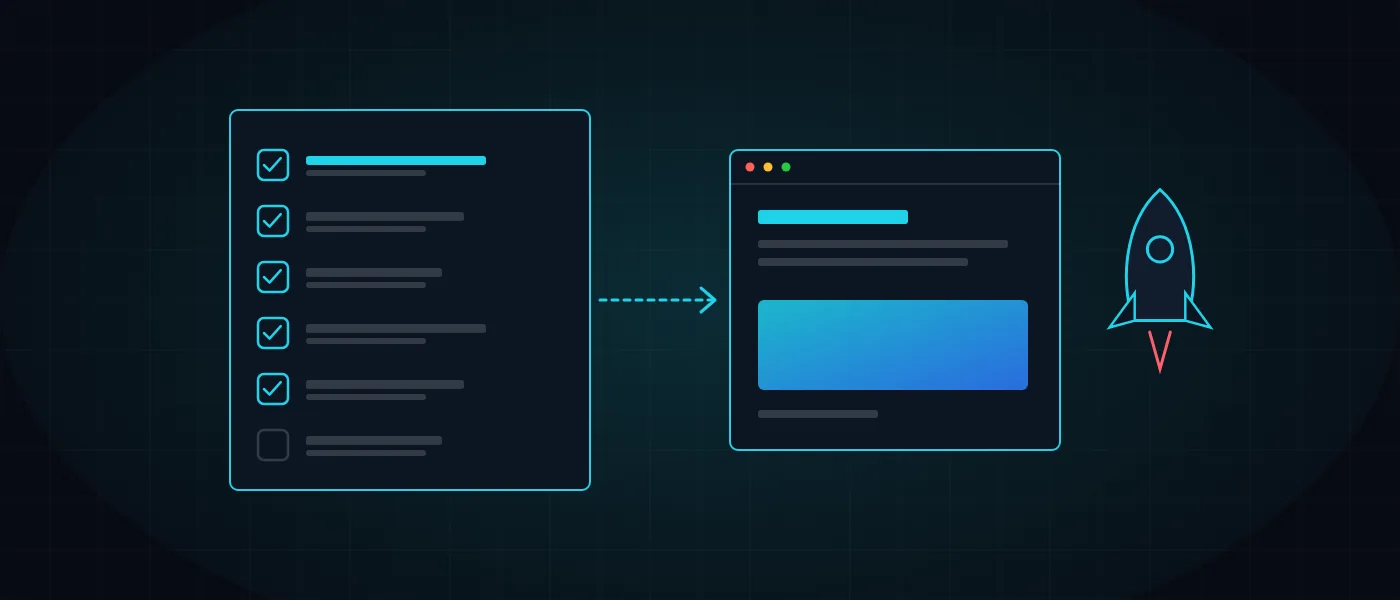
A website launch is the moment when every decision from months of work meets real users. If something was missed, the first customer will find it: a form that does not send, a page blocked from Google, or an address that leads to an error.
This list comes from our work at Logicode on clean-code websites, and it is divided into areas you can walk through one by one. Use it if you are launching a new site, replacing an existing one, or checking that your contractor did not forget anything.
What is a website launch checklist, and why does it save money?
A website launch checklist is a short document that lists everything that must be correct before the site opens to the public, and who owns each item. It turns a feeling that everything looks fine into an explicit record of what was checked and what is still open.
It saves money because fixing something after launch costs more than fixing it before. A page that still carries an indexing block can stay out of Google for weeks, and a contact form that does not work means lost inquiries that nobody knows about.
Our rule is that a launch does not happen on the day everything is ready, but on the day the checklist is closed. It also helps to record the time and cost each stage takes, and you can use the development calculator to assign a budget to the testing stage as well.
Content and functionality checks: what to go through before a website launch?
Read every page aloud, from start to finish. Typos, placeholder text and wrong phone numbers are the first things that signal a lack of professionalism. After reading, click every link, menu and button, and check that there is no broken link or jump to the wrong page.
Forms are the most critical part. Submit every form for real and check that the message arrives in the right inbox, that the customer gets a confirmation, and that what is stored matches what was typed. Also check what happens when a field is left empty or an invalid email address is entered.
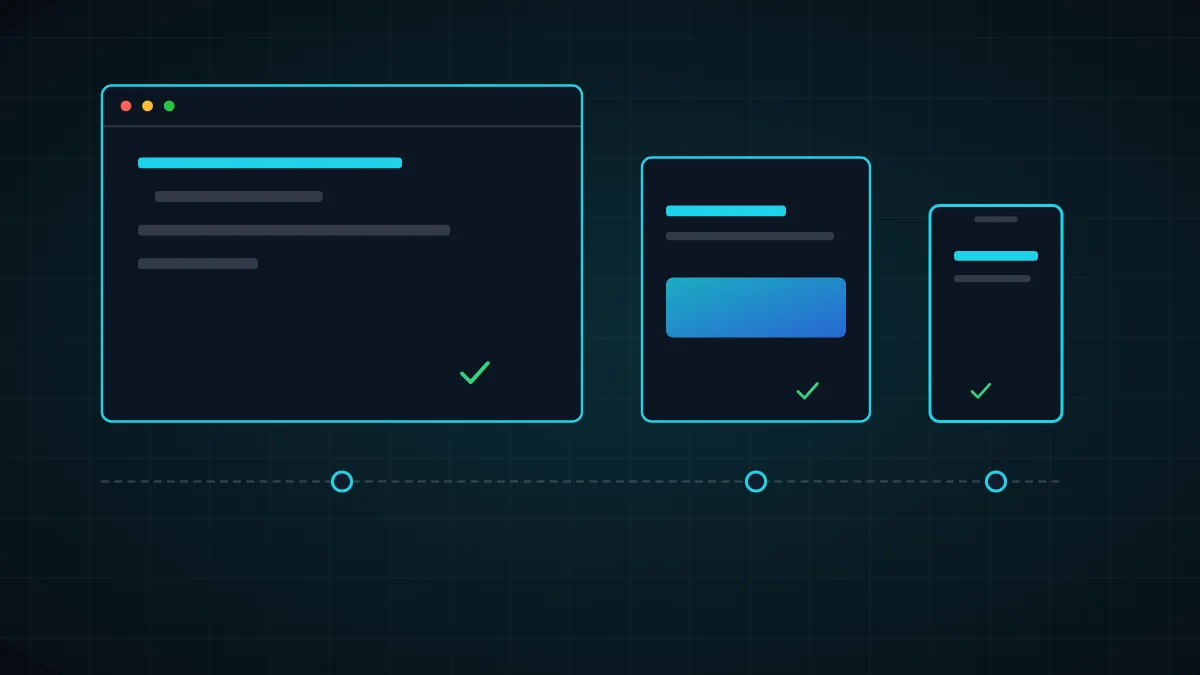
Finish by testing on different devices and browsers: mobile, tablet and desktop, and at least Chrome, Safari and Firefox. What looks perfect on one screen sometimes breaks on another, and in Israel a large share of traffic comes from mobile.
Also check what happens on a slow connection, or when a visitor arrives from a direct link to an inner page. Not every visitor enters through the home page, so every page must work as if it were the first one the user sees, with clear navigation and a call to action.
- Content: proofreading, correct contact details, images with alt text and clear file names.
- Navigation: every internal and external link works, and a custom 404 page offers a way back.
- Forms: real submission, customer confirmation, team notification and error handling.
- Display: mobile, tablet and desktop, in both landscape and portrait.
What must be in place for SEO before a website launch?
The most common mistake is leaving an indexing block that was set in the development environment. Check that robots.txt and the meta tags carry no noindex directive and that the site is reachable by Google. Without that, all the work on content will not appear in search results.
Every page needs a unique title, a description, a single H1 and a canonical address. Submit a sitemap in Search Console and check that clean URLs load without a redirect chain. If there is an old site, map each old address to a 301 redirect, and you will find the details in the article on moving a site without losing rankings.
The technical basics are covered at length in the article on technical SEO. For local businesses it is worth adding structured data such as Organization and FAQ, and a social sharing image, so the link looks good when it is shared.
- Removing noindex, checking robots.txt and an up-to-date sitemap.
- Titles, descriptions, H1 and canonical addresses for every important page.
- A 301 redirect from every old address and no redirect chains.
- Connecting Search Console and checking that pages are crawled.
Security and hosting: how do you make sure the site is protected on day one?
A new site is probed within days of appearing online, mostly by automated scanners looking for known weaknesses. That is why security is not postponed to a later stage. Check that the SSL certificate is valid, that every address redirects to HTTPS and that there is no mixed content.
Check that security headers are configured, that the admin interface is protected with a strong password and two-step verification, and that configuration files and backups are not reachable from outside. The article website security in 2026 describes the layers of protection, and the page on hosting, security and maintenance shows how we handle them.
Before launch, take a full backup of the files and the database and test that it can be restored. A backup that has not been tested is only a hope. Also decide who is alerted if the site goes down and how to roll back to the previous version in minutes.
If the site includes an admin system, user accounts or payments, check permissions for each role, and confirm that non-admin users cannot reach data that is not theirs. Such checks are easy to run before launch and very hard to repair after real data has already come in.
- Valid SSL, automatic redirect to HTTPS and a mixed-content check.
- Strong passwords and two-step verification for all admin access.
- A full backup with a restore test, and a rollback plan.
- Uptime monitoring and an alert to a named person if the site goes down.
Accessibility and privacy: what to check before opening to the public?
An accessible site can be used with a keyboard, a screen reader and high-contrast colors. Check that you can navigate with Tab alone, that every image has alt text and that forms have labels. The background on the standard and its requirements is in the article on website accessibility under standard 5568.
Publish an accessibility statement and a privacy policy as separate pages linked from the footer of every page. If the site collects data, check that forms state the purpose and that measurement tools respect the consent users gave. This is not legal advice, and consulting a professional is recommended.
- Full keyboard navigation with a clear indicator of the active element.
- Sufficient color contrast and text that can be enlarged.
- An accessibility statement, a privacy policy and consent requests where required.
Performance and tracking: how do you know the site is fast and that you can learn from it?
Run a performance test on mobile and desktop and check the three core metrics: loading time of the largest content, layout stability and response time. A slow page loses visitors before they even see it, and we described ways to improve in the article on edge performance.
Define before launch what counts as success: inquiries, calls, purchases or sign-ups. Connect a measurement tool, define events for every important form and button, and check that data is actually being collected. Otherwise you will miss the most interesting period, the first weeks.
In addition, record the situation before launch: monthly inquiries, traffic sources and the main rankings. Without a baseline you cannot tell whether the launch improved anything or made it worse, and every later decision will rest on a feeling.

What do you do on launch day and in the two weeks after?
Pick a quiet hour for going live, and not the day before a holiday or a weekend when the team is unavailable. Go through the list again quickly, submit one real form and check that the home page loads from any network. Keep the previous version available until everything is approved.
In the first two weeks watch for 404 errors, pages that were not crawled and any unusual drop in inquiries. Fix quickly, because a fix in the first days is remembered by Google. After launch continue with website maintenance so the site does not go stale.
- Launch day: a form submission test, loading from different networks and keeping the previous version.
- Week one: tracking 404 errors, crawl reports and inquiries.
- Week two: fixes, a real-world performance check and updating the list.
Five common website launch mistakes and how to avoid them
The first mistake is checking only what is visible. The home page looks excellent, but the thank-you page after a form, the error message or the automatic email are forgotten, and those are exactly what the customer meets when something does not work.
The second mistake is publishing partial content in the hope of completing it later. Empty pages and placeholder text stay on the site for months, and Google evaluates a site by what it sees today. The third is forgetting the redirects from the old site, which costs rankings built over years.
The fourth mistake is launching without a backup and without anyone receiving alerts, and the fifth is assuming launch is the end of the road. A website is a living product: it needs security updates, new content and measurement. That is exactly why launch should be seen as the start of a stage and not the end of a project.
- Check thank-you pages, error messages and automatic emails too, not only main pages.
- Do not publish partial pages. Fewer pages, all finished, is better.
- Map every old address to a redirect, and keep a backup and a rollback plan.
Where to start: who does what in a website launch
Assign an owner to each area on the list: content, SEO, security, accessibility and tracking. When every item belongs to someone, no item is forgotten. In our process every stage is documented and approved by the client before the next one begins, including the launch stage.
If you are building a new site, start with the page on clean-code website development and read the article how much it costs to build a website. And if you want us to go through the list with you before going live, get in touch.
More articles worth reading
- Technical SEO: The Foundation of Google Rankings
- Website Security in 2026: Beyond an SSL Certificate
- Web Accessibility and IS 5568: A Guide