
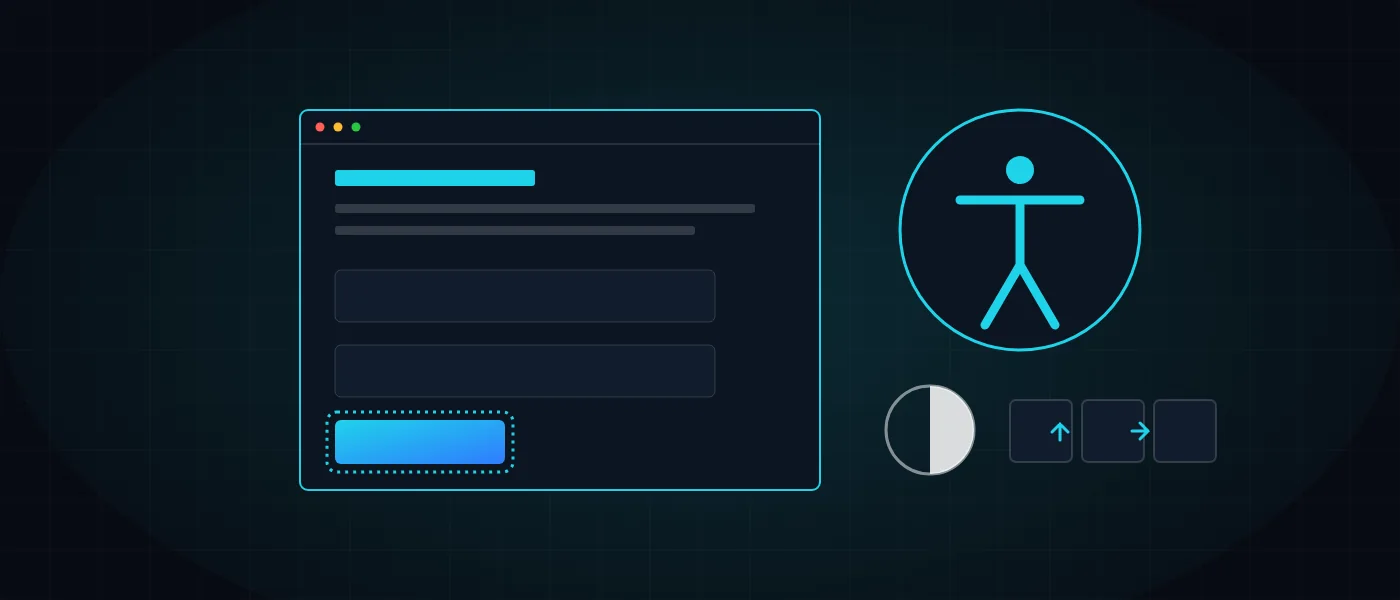
Web accessibility sounds to many like a dry legal topic, but in practice it is a simple question: can a person who cannot see, cannot hear or cannot use a mouse read your site, fill in a form and complete a purchase. If not, you lose customers, and you also face legal exposure.
This guide explains in plain language what the law and the standard say, what must be in the code, how to audit a site and what a proper accessibility statement looks like. It is written without scare tactics, and it should be complemented by legal advice if you have a question about your particular situation.
What is web accessibility, and who is it for?
Web accessibility is a property of a site that lets every person understand it, navigate it and act on it, including people with visual, hearing, motor or cognitive disabilities. It is not a cosmetic add-on but a quality of the code and the design, like speed or security.
The reach is wider than it appears. Accessibility helps screen-reader users and people who browse by keyboard only, but also those who need larger text, older users, and anyone using a phone in bright sunlight. A site that is comfortable for everyone is usually also a site that converts better.
There is also a side benefit: many of the steps that web accessibility requires, such as orderly headings, alternative text and descriptive links, also serve search engines, as we detailed in the guide to technical SEO. It is a bonus, not a substitute, and the decision should not rest on it.
We explained the link between comfortable design and user behavior in the guide to UX/UI psychology. Accessibility is the part of that principle that concerns people the system was not built for by default.
What do Israeli law and the standard require?
The Equal Rights for Persons with Disabilities Law and the Service Accessibility Adjustments Regulations (regulation 35 covers websites and apps) require websites that provide a service to the public in Israel to be accessible. The standard defining what accessible means is Israeli Standard IS 5568, which is based on WCAG 2.0 level AA.
WCAG 2.1 and 2.2 exist and include additional requirements, mainly for mobile and cognitive disabilities. Anyone building a new site is well advised to aim for them, since they usually add quality signals without jeopardizing compliance with the standard.
The law allows civil claims with statutory compensation of up to 50,000 NIS per claim, without proof of damage. Exemptions exist, for example for very small businesses by turnover and for sites with few registered users, and the conditions change. Check the current guidance of the Commission for Equal Rights of Persons with Disabilities.
WCAG has three levels: A is the minimum, AA is the level the Israeli standard requires, and AAA is a stricter level not expected across a whole site. When commissioning a site, write "AA compliance" explicitly into the quote, so there is no doubt about what is tested.
Important: this is general information, not legal advice. Whether you are obligated, and to what extent, depends on your business, so consult a lawyer who specializes in the field.
What must be in the code for a site to be accessible?
Genuine accessibility starts with semantic HTML: headings, lists, buttons and forms marked with the tags that fit them. A screen reader understands such a structure without extra help, which makes it the foundation on which everything else is added.
Speed is also part of an accessible experience. A user on a slow connection or an old device suffers on a heavy site, and a screen reader struggles when a page loads gradually and jumps. Performance principles are detailed in the guide to site speed in 2026.
The list below covers the most commonly missed requirements. Each of them can be tested, and each fits into regular development work if planned in advance.
- Proper labels on form fields, including clear error messages that screen readers announce.
- Full keyboard operation, with a logical tab order and no keyboard traps.
- A visible focus indicator on every interactive element.
- Sufficient color contrast: 4.5 to 1 for regular text and 3 to 1 for large text.
- Alternative text for meaningful images, and captions or transcripts for videos.
- A hierarchical heading order, and support for zoom up to 200% with no loss of content.
- Respect for the reduced-motion preference and avoidance of flashing.
Why does an accessibility menu alone not make a site accessible?
An accessibility menu, or a "widget" added to a site with one line of code, is a helper for the visitor and not a substitute for accessible code. It can enlarge text or change contrast, but it does not fix a field with no label, a button that cannot be reached by keyboard, or a heading in the wrong place.
That is why we treat the menu as a complementary layer. At Logicode we build accessibility into the code of every site, and in addition integrate our own "Logicode Accessibility" plugin, an accessibility menu adapted to the site’s design. The kind of plugins we develop is detailed on the WordPress plugin development page.
Anyone relying only on a menu is left with code-level problems, and so is not really protected. Always test the site with the menu turned off as well.
How to audit web accessibility: automated tools and manual testing
Automated testing with a tool such as axe finds only part of the issues, usually those detectable by technical rules, like a missing label or low contrast. It is a useful quick starting point, but not enough to conclude that a site is accessible.
Manual testing completes the picture: navigating the site by keyboard only, testing with a screen reader such as NVDA on Windows or VoiceOver on Apple devices, and zooming to 200%. This reveals problems no tool will catch, such as a confusing reading order or a button that cannot be activated.
- Run an automated tool on the key templates, not only the homepage.
- Walk through a full flow using only the keyboard: menu, form, checkout.
- Turn on a screen reader and check that headings, links and errors are announced properly.
- Document findings by severity and fix first whatever blocks a core task.
Build accessible from the start or retrofit: which is cheaper?
Building accessible from the start is considerably cheaper than retrofitting, because accessibility planned during design and development is part of the regular work. Fixing afterward means going through every template, changing an approved design and retesting. How work components relate to total cost is described in our guide to website cost.
Dynamic components such as dropdown menus, pop-ups and carousels need special attention. They must work by keyboard, announce their state to a screen reader and return focus to the right place when closed. These are the components where web accessibility most often breaks, so they are the first to test.
A site built on a heavy template and a visual page builder is especially hard to make accessible, because the generated code is not under your control. This is one of the reasons we recommend clean-code WordPress, where every tag and label is set deliberately.
In our clean-code web development process accessibility is included from the start of every project. If you are planning a new site, the cost calculator counts accessibility among the things always included, so it does not appear as an extra.
What should an accessibility statement page contain?
An accessibility statement is a dedicated page that describes the level of accessibility, the adjustments made and how to reach out if you hit a problem. The law requires such a page, and it must name the accessibility coordinator’s contact details. The exact wording should be coordinated with a legal adviser.
The page should also explain what to do when a visitor hits a barrier: whom to contact, through which channel, and what to include, such as the page address and the device. A report that is answered and handled is part of an accessible service, not a technical detail.
A practical example is our own accessibility statement, which details the standard we met, the browsers tested and the options in the accessibility menu. A statement that does not match reality is worse than none, so do not copy wording from another site.
- The standard and level the site is adapted to, and the browsers and devices tested.
- A list of the adjustments made, and known limitations, if any.
- The accessibility coordinator’s name and contact details: phone, email and address.
- A permanent link to the page from every page of the site, and the date of the last update.
How do you keep a site accessible over time?
Accessibility is not a one-time project, because a site keeps changing: new content is uploaded, pages are added and plugins updated. Any of these changes can break what was tested. The way to handle it is to build accessibility checks into ongoing upkeep, as described in the website maintenance guide.
Appoint one person in the organization who owns the topic: they receive visitors’ reports, make sure the statement is current and request a re-test after major upgrades. Without a clear owner, accessibility is forgotten until the first complaint.
Train whoever uploads content: alternative text for images, headings in the right order, links whose text explains where they lead, and videos with captions. These are small habits that prevent most regressions.
How do you actually get started?
Begin by testing three core flows on the site: navigating the menu, filling in a contact form, and completing checkout if you have a store. If one breaks by keyboard or screen reader, you have a clear starting point. Then set priorities by severity and by the traffic each page receives.
If you want help, we review existing sites and build new ones with accessibility in the code. You can get in touch and describe your site, and after a short call we can recommend whether a targeted fix or a rebuild is needed.
More articles worth reading
- The Psychology of UX/UI Design for Premium Brands
- Website Maintenance: What to Include
- Clean-Code WordPress: Why Premium Brands Drop Elementor