
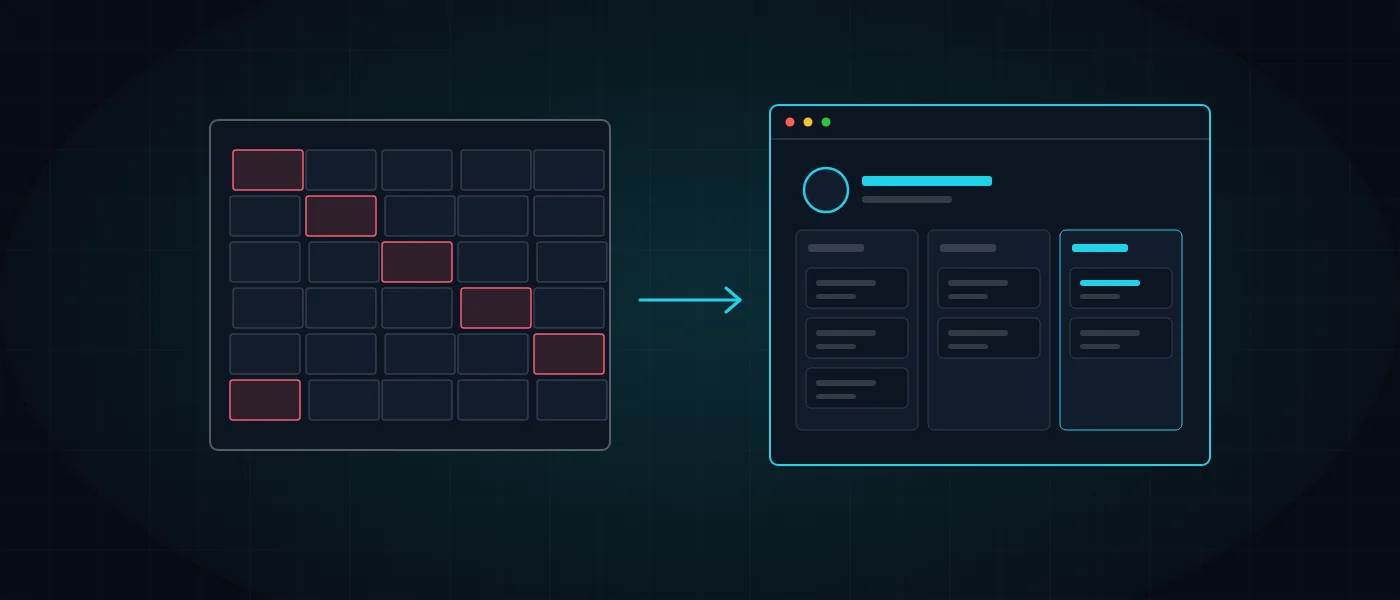
The move from Excel to a custom CRM is one of the significant steps in a business’s growth. Almost every business starts with Excel, and rightly so. It is quick, free and familiar, and it lets you manage customers, quotes and orders from day one. The trouble begins when the sheet becomes the center of the business, and everyone who touches it can, without meaning to, break it.
This article examines when it is still fine to stay in Excel, when it is worth moving to a custom CRM, and how to make the move without losing data. At Logicode we develop management systems in clean code, and we draw on projects we have actually delivered.
What is a custom CRM, and how does it differ from an Excel sheet?
A CRM is a customer relationship management system: it stores the customer’s details, history, quotes and deals, and reminds you who to follow up with and when. A custom CRM is built around the exact workflow of the business, rather than forcing the business to adapt to the tool.
The difference from Excel is not only design. In a sheet every row is free text, and nothing prevents a wrong entry, a duplicate or an accidental deletion. A system has defined fields, permissions, a change log and automated processes, and data sits in a real database with backups.
It is important to say that Excel is not the enemy. It is an excellent tool for analysis, one-off calculations and exporting reports. A good system does not replace it but exports to it, so the raw data lives in an orderly place and Excel is used for what it does best.
When does Excel start getting in the way of the business?
The first sign is that more than one person edits the same file. Versions split, someone overwrites someone else, and in the end nobody is sure which file is the current one. The second sign is discovering inquiries that were never handled only when a customer complains.
A third sign is dependence on one person who knows how the sheet works, with complex formulas and linked tabs. If they get sick or leave, the business is stuck. A fourth sign is time: when hours go on copying data between files, that is manual work a system does in seconds.
A fifth sign is the slowness itself. A file with thousands of rows and linked formulas opens slowly, crashes at the worst moment, and often ends in a “save as” copy that duplicates the problem instead of solving it. When the tool itself becomes a bottleneck, it no longer saves, it costs.
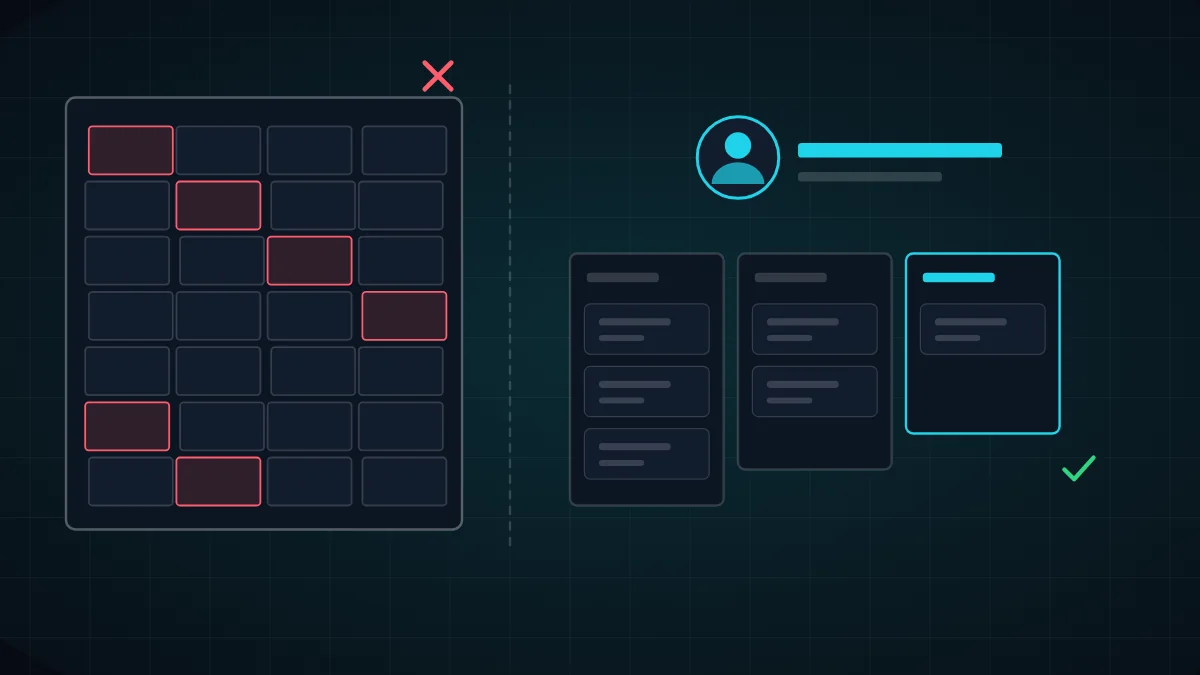
- How many people work on the same file at the same time, and how they stay in sync.
- Duplicate customers, contradictory details and empty rows piling up.
- No history: it is impossible to know who changed what and when.
- Inquiries, quotes or payments forgotten because there is no automatic reminder.
Eight signs it is time to move to a custom CRM
There is no numeric threshold that forces a move, but there are patterns that repeat among the businesses that come to us. If three or more of the signs below are true for you, it is worth at least running an initial specification and checking what a system could save.
It is also important to look at the hidden cost. The time employees spend searching for data and fixing mistakes is a real cost even when it does not appear on an invoice. This calculation is worth doing before comparing alternatives, and the development calculator can help.
- The team is growing and more than one person needs data access with different permissions.
- There is a fixed process of stages: lead, quote, approval, delivery and billing, and it is not visible in the sheet.
- You need to connect to the website, WhatsApp, email or accounting, and Excel offers no way to do that.
- Sensitive customer information sits in a file that travels through emails and phones.
- Management wants real-time reports rather than a pile of files at month-end.
Off-the-shelf CRM or custom CRM: how do you decide?
An off-the-shelf system fits when your process resembles that of most businesses: recording leads, tracking sales and sending quotes. It is quick to set up and usually accessible at a monthly price, but it limits you to the fields and flows the vendor chose, and you pay for it as the team grows.
A custom CRM pays off when the process is unique, when there are complex connections to other systems, or when the system itself is part of the value you sell. We expanded on the reasoning in the article on custom development versus off-the-shelf products, and the article on AI-driven development and CRM covers where this is heading.
An example from the field: a business running cooking workshops and camps needed multi-participant registration, digital signature on health declarations and seat inventory management. That cannot be squeezed into an off-the-shelf tool, and the solution we built is described in the Derech HaMitbach case study.
How do you move away from Excel without losing data or stopping work?
A safe move is gradual. You start with mapping: which sheets exist, what each column means and who uses each piece of data. Then you clean: merge duplicates, fix phone and date formats and decide what is kept and what is archived.
The next step is a trial import into a test environment and a spot check against the original file. Only then do you move to real work, running both systems in parallel for a short period to confirm there is no gap. The Excel file is not deleted but kept in a read-only archive.
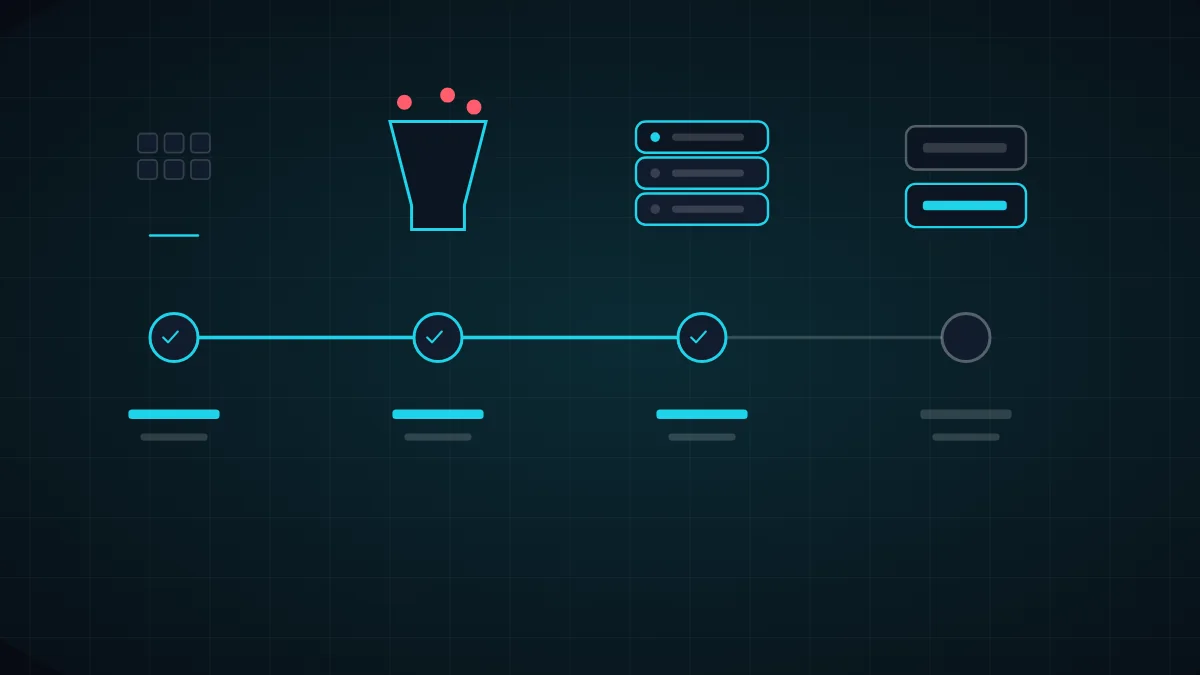
- Mapping: a list of sheets, columns, stakeholders and the processes that depend on them.
- Cleaning: merging duplicates and standardizing formats before the data goes in.
- A trial import and a spot check, followed by a short parallel run.
- Short team training, and only then closing the sheet to editing.
What does a good custom CRM include?
The core is a single customer card that gathers details, conversations, quotes, documents and payments. On top sits a sales pipeline with stages defined by the business, and permissions that ensure each employee sees only what they need to see.
A good system saves manual work: follow-up reminders, alerts about unhandled leads and automatic messages to the customer. This is where business automation comes in, turning every repeated action into a rule that the system carries out itself.
Integrations are the part most often forgotten in a specification. A CRM that does not talk to the website, email, accounting and WhatsApp creates yet another archipelago of data. In our guide on system integrations we explained how to connect without breaking things.
- A full customer card with an activity log and change history.
- A sales pipeline and work stages that follow the business’s real process.
- Role-based permissions and data export to Excel at any moment.
- Alerts, reminders and connections to the website, email and accounting systems.
How much does a custom CRM cost, and when does it pay off?
The cost depends on scope: the number of screens, types of users, integrations and automations. We do not publish a fixed price, because a system with three screens is not like a system with synchronization, payments and a mobile app. The way to a reliable estimate is a short specification.
To check whether it pays off, estimate how much time employees spend on manual work each month, how many inquiries fall between the cracks, and what a single billing or ordering mistake costs. If those sums exceed the cost of the system over three years, the investment starts paying for itself.
An example of a systemic outcome is the ERP system for Fredi furniture industries, which connected the office to the field and ingested orders automatically from retail sites. BarkBoard and OmniCore were also born from the need to replace manual management with a single system.
Which common mistakes should you avoid during the move?
The most common mistake is copying the sheet into the system as it is. If the sheet has thirty columns because everyone added one as needed, there is no reason for them all to live on in the system. The move is an opportunity to ask what is truly needed and what was a temporary fix that became permanent.
Another mistake is not involving the people who work with the data every day. A manager can define reports, but only the person entering the data knows where it really hurts. So interview the users before the specification, and show them a clickable prototype before development starts.
The third mistake is ignoring adoption. An excellent system the team does not use is worth no more than a sheet. Make sure there is short training, a named person responsible for questions, and a clear transition period in which the old sheet becomes read-only.
- Do not copy unnecessary columns. Decide what stays and what goes to the archive.
- Involve the daily users already in the specification and the prototype.
- Plan training and a transition period, and lock the old sheet only after them.
How to start: a short specification and a small first stage
Do not try to build everything at once. Start with a short specification that documents the process, the users and the data, and choose a first stage that covers the biggest pain, such as lead management and reminders. Details on writing a specification are in the article on system specification.
Later stages are added according to real use. The system is built from scratch in clean code by human developers, and the client approves each stage before continuing. See the service page on advanced systems development, and if you want to talk about your own spreadsheet, get in touch.
More articles worth reading
- Custom Software or Off-the-Shelf? When to Switch
- Business Automation: What to Automate and How
- System Integrations: A Practical Guide