
A GPS-based attendance system lets employees clock in and out from a phone, and it stores the place of the punch next to the time. Instead of a paper sheet or a spreadsheet, the manager gets a record that can be trusted: who, when and from where.
This guide explains what happens behind the scenes and what to verify before you pick one. As a worked example we use Just-In, the attendance system we developed at Logicode, and we walk through real engineering decisions rather than a feature list.
What is a GPS-based attendance system, and how does it differ from a wall clock?
A GPS-based attendance system is a digital service for recording working hours in which every clock-in and clock-out is saved together with a time and a location. The punch usually happens on the employee’s own phone, so there is no device to install at each site and no office network to connect to.
The difference from a wall clock is more than convenience. A wall clock proves that someone stood in front of it, while a punch with a location also proves where it happened, which matters for businesses with field staff, several branches or construction sites.
A good system is not just a punch button. It is an engine that turns raw punches into regular hours, overtime and absences. Just-In is a cloud system of this kind, developed and maintained by Logicode for businesses in Israel of any size.
Why do paper sheets and spreadsheets fail at month-end?
The first failure is double entry: the employee writes a time on a sheet and someone in the office types it again. Every hand-off is a chance for a mistake, and the error surfaces only at month-end, when an employee questions the payslip.
The second failure is the lack of evidence. Without an objective record, a dispute about lateness or an early exit stays one word against another, and sometimes an employee punches in for a colleague who never arrived. The Just-In site covers the cost of manual tracking in the hidden costs of manual attendance.
Just-In itself was born from this pain. It began as a dedicated project for a construction company with dozens of field employees, paper reports and payroll errors. The full story is in the Just-In attendance system case study.
- Double entry from punch to payroll, which doubles the chance of error.
- Buddy punching or rounding hours upward, with no way to check.
- No visibility during the day: nobody can tell who is on site or who is late.
- Slow payroll close, because corrections mean chasing people down.
How does GPS clock-in work behind the scenes?
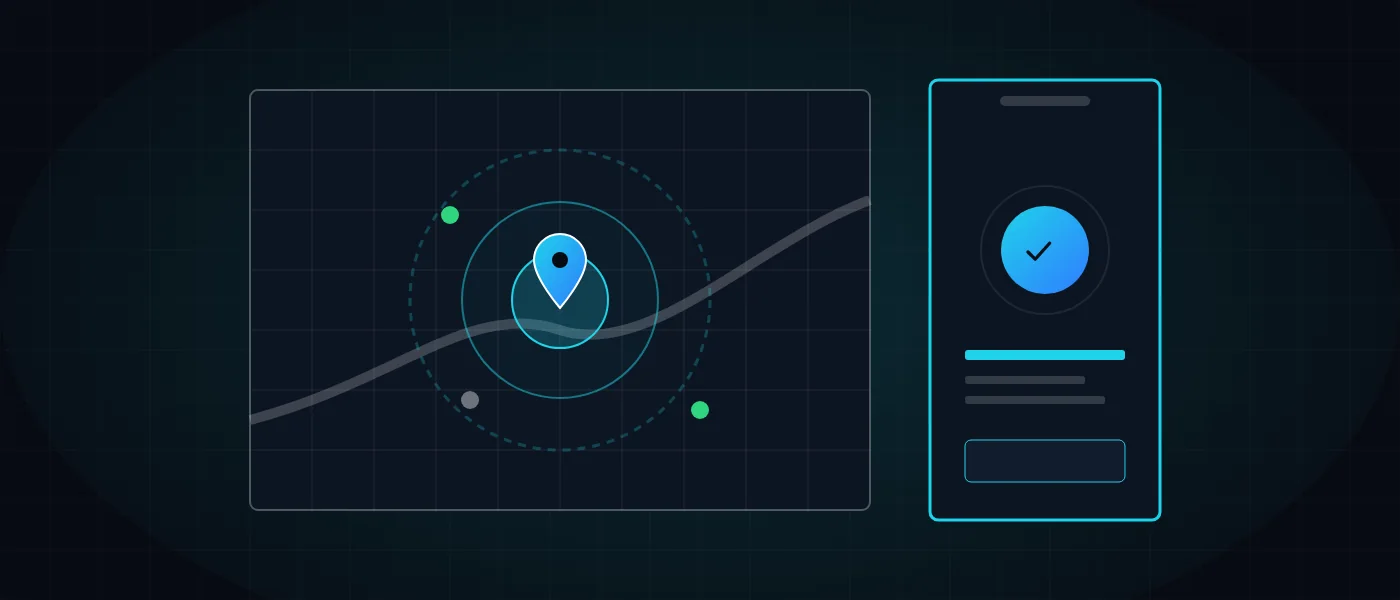
When the employee presses the clock-in button, the app asks the phone for coordinates and for the accuracy radius of that reading, then sends both to the server along with the punch. The server compares them with a geofence, a circle drawn around the work site by a centre point and a radius.
GPS accuracy varies between devices and between buildings, and it weakens indoors. The geofence radius therefore needs a safety margin: too tight and it blocks real employees, too wide and the check means nothing. In Just-In the radius is set separately for each site.
Timing is the other essential point. In Just-In the device coordinates are captured only at the moment the employee presses clock-in or clock-out, not in the background during the day. When location is switched off on the phone, the punch is blocked until it is turned on.
A serious system also handles spoofing. Just-In detects fake-GPS apps and, where needed, requires a selfie at clock-in, so that the person punching is the person who should be punching.
Not every day runs without exceptions. An employee who forgot to clock out, or who worked in a dead-signal area, needs a way to correct the record without phoning a manager. In Just-In the employee sees their own punch history and adds a note, for example for a missed clock-out; notes are saved even without internet and sync later. Vacation, sick leave and reserve duty are reported the same way.
- The employee taps clock-in and the app reads the location and its accuracy radius.
- The server checks whether the point falls inside the site’s geofence.
- Anti-spoofing checks, and a selfie if required, run before the punch is recorded.
- The punch appears at once for the manager, on the live map and in per-site reports.
Which engineering decisions sit behind a modern GPS-based attendance system?
A PWA (Progressive Web App) is a web application that is installed to the home screen from a link, with no app store involved. Just-In employees receive a personal SMS link and install with one tap, on iPhone and Android alike, without passing store review cycles.
The engineering benefit is one codebase for every device and updates that reach everyone at once from the server. The price is careful testing of location permissions on each browser and operating system, which is why the punch flow is the most heavily tested path.
The genuinely hard part is invisible on screen: the data model. It has to represent shifts that cross midnight, multiple sites, departments, and morning, evening and night shift templates. Overtime rules, such as 125% after a threshold the employer sets, are configuration owned by the business, not hard-coded logic. For night and weekend rates, see the shift pay rates guide.
When rules are data rather than code, they can change without a development cycle and reports can be recalculated. It is a small example of the principles covered in our article on software architecture for a system that grows with the business.
How do you protect privacy and trust when collecting employee location?
The guiding principle is minimisation: collect only what the purpose requires. A GPS-based attendance system that captures location solely at the moment of the punch answers whether the employee was on site, and does not become a tool for following their movements through the day.
The second principle is transparency. Employees should know in writing what is collected, why, who can see it and how long it is kept. A clear policy removes suspicion and eases adoption. The legal questions, including labour law, are outside the scope of this article, so read the employer’s guide to attendance law and consult a professional.
The third principle is role-based access. In Just-In, a department or site manager sees only their own team, and data is encrypted in transit with SSL and backed up daily. For more on protection layers in cloud systems, see web security in 2026.
- Collect location only at the punch event, never continuously.
- Explain to employees in advance what is collected and why.
- Limit visibility so every manager sees only their own team.
What should you check before choosing a GPS-based attendance system? A checklist
A good choice starts with the question of which rules your business really needs: night shifts, multiple sites, field staff, or people who return to the same office every morning. The guide on choosing a digital attendance clock adds product-side considerations.
Another question is whether an off-the-shelf product is enough or a dedicated build is needed. Most businesses will manage with an existing system in which they configure the rules, and custom development pays off when you have a unique process or complex connections. The full comparison is in our article on custom systems versus off-the-shelf products.
The list below focuses on capabilities that are hard to add later. Most of them can be tested during the trial period, using real data from a single working week. Pay particular attention to how the system warns you about exceptions, and read the guide on overtime management and real-time alerts.
- An overtime rules engine the employer configures, rather than fixed rules that cannot change.
- A geofence per site, a live map and reports broken down by site.
- Fake-location detection and selfie verification when required.
- Shift scheduling, shift templates and department management in the same place.
- Export to Excel and to your payroll software, plus an API for further connections.
- Automatic backups, human support and a monthly plan without a lock-in.
How do hours data reach payroll, through export and integration?
A monthly hours report is organised by employee, department and site, and covers regular hours, overtime, vacation and sick leave according to the configured rules. Just-In exports to Excel and custom reports, and in a format compatible with Michpal payroll software. See the monthly attendance report guide for how such a report is structured.
When the link has to be automatic, there is a read-only public Just-In API with tokens scoped per company and permission and an audit trail, intended for BI, payroll and ERP systems. The principles of such a link are covered in our piece on system integrations.
Real-time alerts for missing clock-outs and pending leave requests, together with a daily summary email, replace the manual check every morning. The same direction is covered in our article on business automation for small and mid-sized companies.
Large organisations with special needs can look at the Just-In enterprise plan, and when a tailor-made connection or system is needed, that falls under our advanced systems development.
How to get started: free trial and first steps
Just-In is offered as a monthly subscription with no minimum commitment, a 30-day free trial and no credit card. Plans differ by number of users, up to an enterprise plan for large companies. The current pricing is on the product site.
To begin, open a trial account or book a live demo. Recent changes are listed on the what’s new page, and more practical posts are in the product blog.
It suits small businesses, cafes and restaurants, offices, retail, field and construction work, security, cleaning and maintenance companies, staffing agencies and multi-branch organisations. If you have questions before you start, contact us directly.
Plan a short, structured trial: define one site and radius, add a few employees, and compare the first report with your existing records. That comparison quickly shows whether the rules and site settings match how work really happens.
More articles worth reading
- System Integrations: A Practical Guide
- Custom Software or Off-the-Shelf? When to Switch
- Software Architecture for Systems That Grow